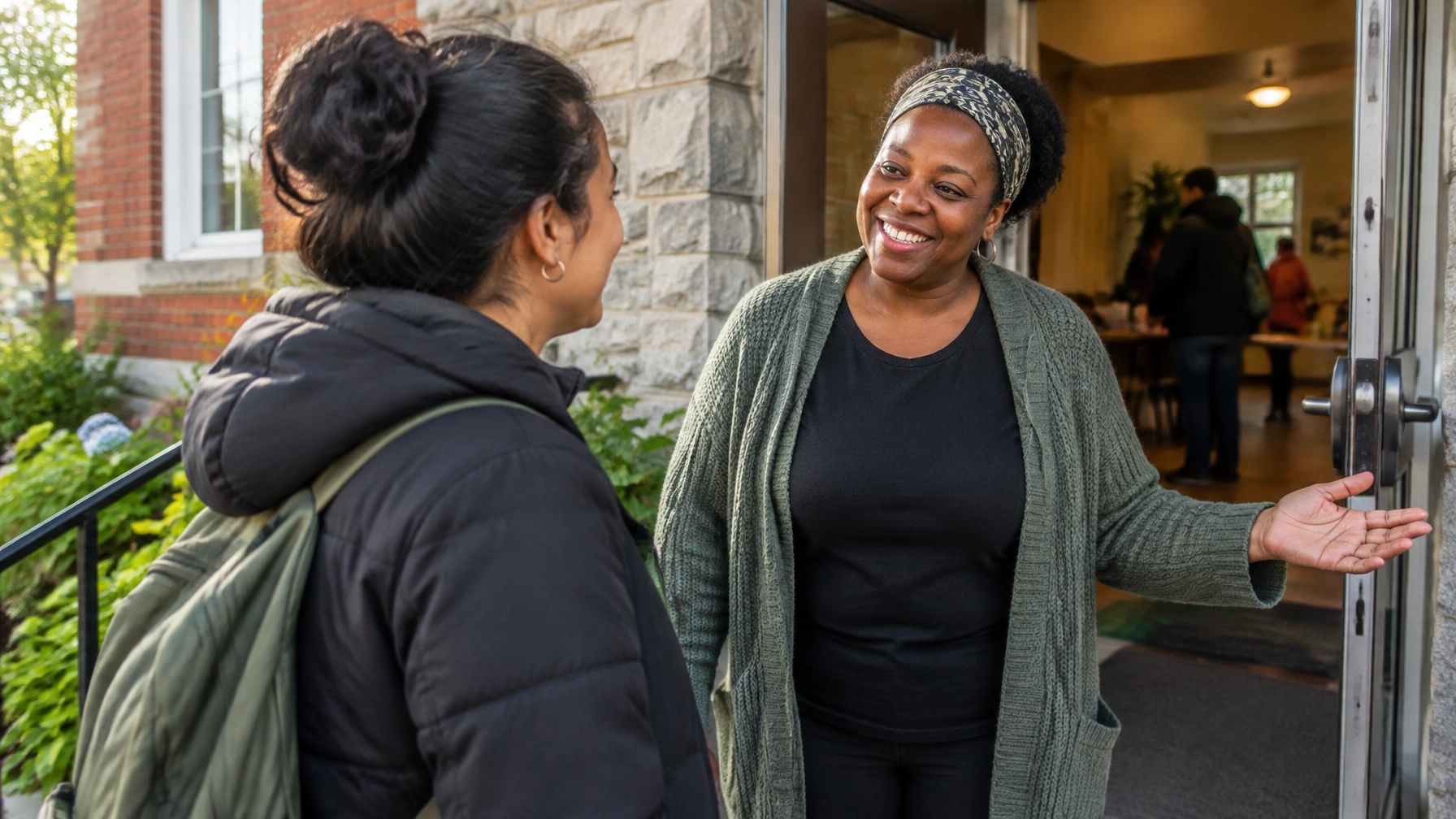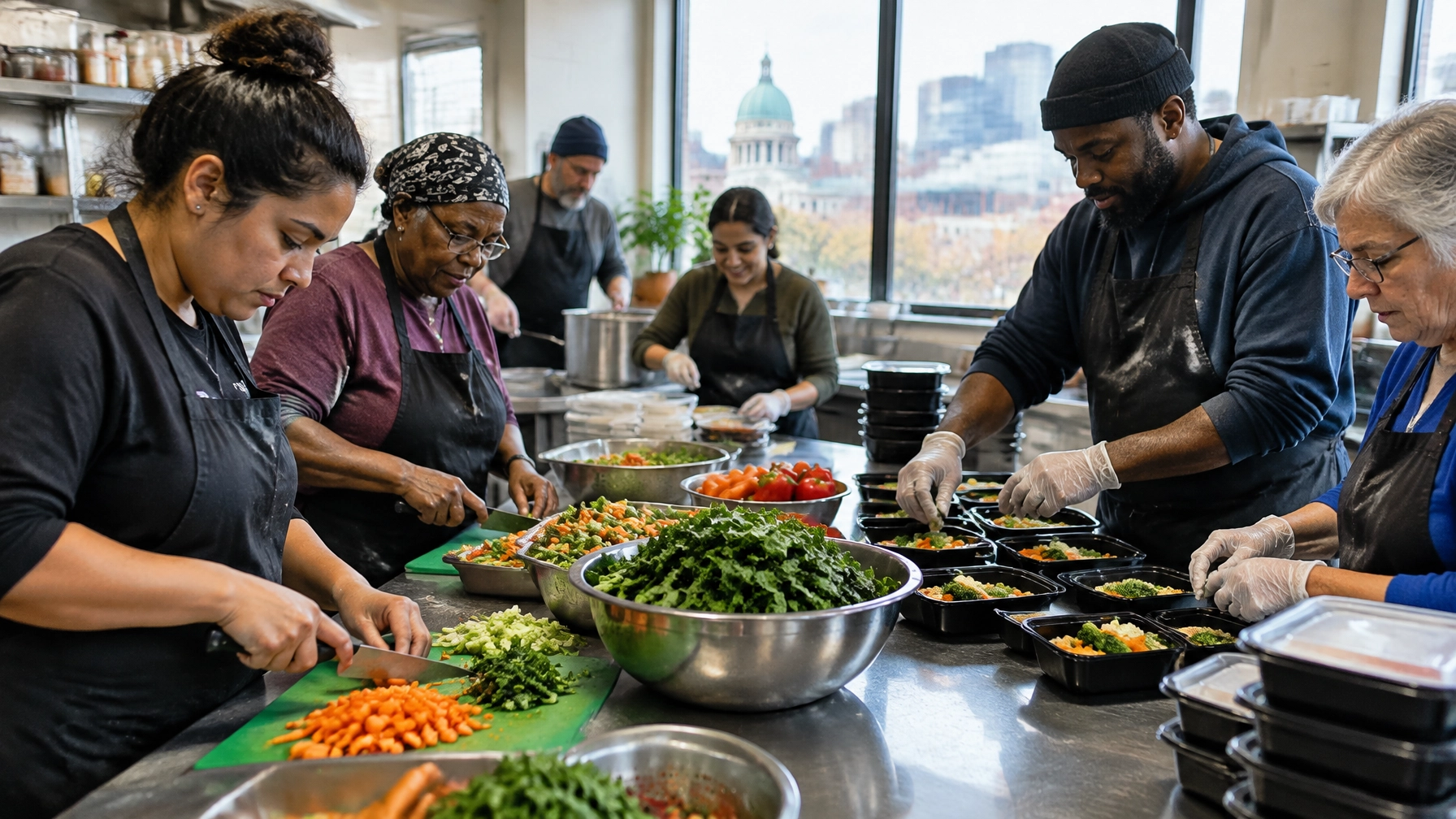
A volunteer page can be one of the most visited pages on a nonprofit website, and one of the most neglected. Someone arrives ready to help, but can’t tell what roles are available, how much time they’ll need, or what happens after they apply.
A volunteer page should help people find a suitable role and understand the steps to get started. Here are seven common, fixable mistakes to look for in your volunteer page and application flow.
TL;DR
- Name actual roles instead of a generic “Volunteer with us” headline.
- State shift length, days, location, and minimum commitment for every role.
- Keep the first application short, and test it on a phone.
- Explain any police or vulnerable sector check by role, in plain language, before someone applies.
- Add a group and corporate volunteering path, plus clear accessibility and remote details.
- Replace “submission received” with a confirmation that names the role and a response window you can actually meet.
- Answer volunteer questions in question-shaped headings, so people and AI-driven answer engines can find them.
1. Your headline says “Volunteer With Us”, and little else
A warm invitation is a good start. But “Volunteer with us” doesn’t tell visitors what they could actually do. People shouldn’t have to guess whether you need kitchen helpers, mentors, drivers, event support, or professional skills.
Fix it: Name the kinds of roles, then show specific opportunities. For example:
Help neighbours access fresh food.
Join a Saturday food-bank shift, sort donations, or support grocery distribution.
Use role titles that help people assess fit, such as “Wednesday Community Kitchen Volunteer” instead of “General Volunteer.” If applications are open only at certain times, say so and offer an interest form for future opportunities.
2. You hide the real time commitment
“Flexible hours” sounds welcoming, but it may not answer the visitor’s real question: Can I fit this into my life? A person needs to know whether you’re looking for one afternoon, a regular weekly shift, or a longer commitment.
Fix it: For every role, state:
- Typical shift length and days or times
- Whether the role is one-time, seasonal, or ongoing
- Any minimum commitment, if there is one
- Location and practical arrival details, such as transit or parking
Be candid if schedules vary. “Most shifts are three hours on weekday mornings; we’ll confirm the schedule before orientation” is more useful than “Hours are flexible.”
3. Your first application asks for too much
A resume, references, detailed work history, and a long essay can be a heavy first step, especially when someone is applying from their phone. Some roles need additional screening, but not every detail has to be collected at the first click.
Fix it: Start with what your team needs to respond and route the application:
- Name and contact details
- Role of interest
- Availability
- A short experience or interest question, if it’s relevant
- Essential eligibility information, such as age requirements
Ask for references or a resume later if a specific role genuinely requires them. Make fields optional when the information isn’t essential, explain why you’re asking for sensitive details, and test the form on a phone. A shorter application can still support thoughtful screening.
4. Screening requirements appear as a surprise
Some applicants may need a police record check or a vulnerable sector check. Finding that out only after applying can create frustration and delay, even when the requirement is appropriate for the position.
Fix it: Explain screening on the role listing, in plain language. Say what check is required, who needs to complete it, at what stage, and whether the organization covers any associated cost. Don’t imply every volunteer needs one.
In Canada, a vulnerable sector check is intended for specific positions of trust or authority involving children or vulnerable persons, not simply any role involving contact. The RCMP’s guidance explains the distinction. Assess screening by role, and confirm your requirements with the relevant police service or program authority.
5. You don’t explain group or corporate volunteering
A team of colleagues, students, or community members may want to volunteer together. If your page only lists individual roles, they may not know whether group participation is possible, or how to ask.
Fix it: Add a clear section for group volunteering with the basics: group size, available activities, days or seasons, accessibility and physical requirements, lead time, and whether you can accommodate corporate teams. Include a group enquiry form that asks for contact details, approximate group size, preferred dates, and the type of activity they have in mind.
If you can’t host group days, say that kindly and direct visitors to individual opportunities. You can also note that some employers offer volunteer-hour grants or rewards, depending on their program. Benevity’s nonprofit information is one place to learn how corporate volunteering and giving programs may work.
6. Accessibility and remote options are unclear
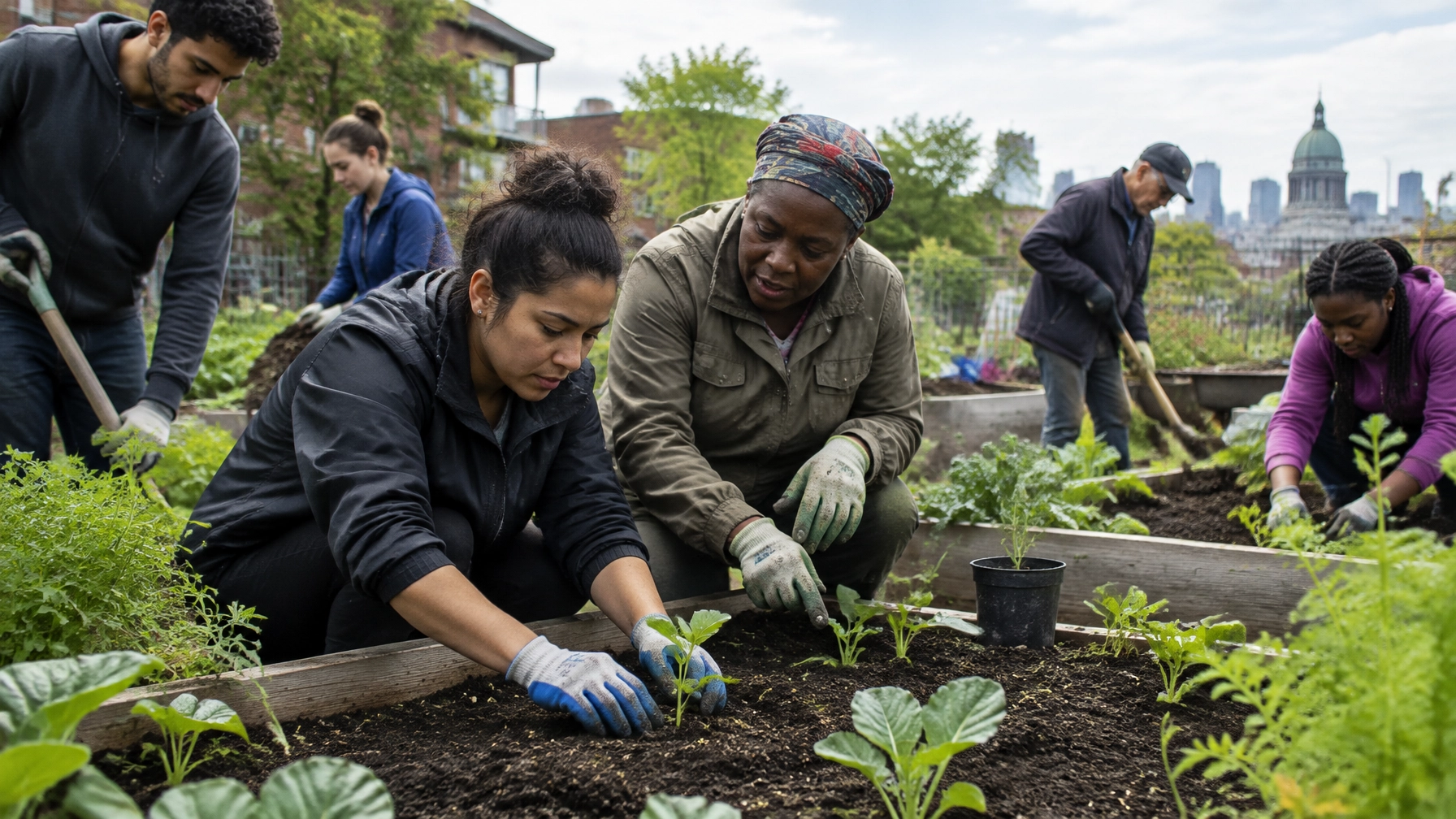
A visitor may be interested but unsure whether they can get to the site, complete the tasks, or participate remotely. Don’t leave them to infer what’s possible from a photo or a generic role description.
Fix it: Describe the actual environment and tasks. Where relevant, include details about stairs, accessible washrooms, standing or lifting, available seating, sensory conditions, and whether accommodations can be discussed. Avoid promising a specific accommodation unless you can provide it.
If a role can be done remotely, say what the volunteer will do, what equipment or internet access they’ll need, and how training and communication work. If remote options aren’t available, explain that clearly and offer another way to get involved. You can also point people to Volunteer Canada’s overview of virtual volunteering for examples of remote roles.

7. Your form ends with a thank-you, and no next step
A generic “submission received” message leaves an applicant wondering whether the form worked, when someone will respond, or whether they need to do anything else.
Fix it: After submission, show a confirmation that names the role they applied for and explains what happens next. For example:
Thanks for applying to volunteer with our community kitchen.
Our volunteer coordinator will review your application and aim to contact you within five business days. If the role is filled, we’ll let you know and can share other opportunities.
Set a response window your team can meet. Send the same information by email, include a contact for questions, and follow up even if there’s no current fit. Then test the whole flow, including the confirmation message and email, on mobile.
AEO: Answers to questions volunteers ask
How do I become a volunteer?
Browse the open roles, choose one that fits your interests and availability, and submit the application linked to that role. The listing should explain any requirements, screening, and next steps. If nothing fits, use the general interest form or contact the volunteer team.
Do I need a police check to volunteer?
Not always. Requirements depend on the position and the organization’s screening policy. Some roles of trust or authority involving children or vulnerable persons may require a vulnerable sector check. Check the role description, and ask the organization if the listing doesn’t say.
Can I volunteer remotely?
Some organizations offer remote roles, such as mentoring, translation, communications, or virtual support. Look for a remote label and check the listing for tasks, location eligibility, schedule, and technical requirements. If no remote roles are listed, ask whether another flexible option is available.
How long does the volunteer application process take?
It varies by role. A process may include application review, an interview, references, training, or a police record check. The organization should give you an estimated timeline and tell you when to expect an update. If the page doesn’t say, contact the volunteer team before applying.
Can my employer match volunteer hours?
Some employers offer grants, rewards, or other programs tied to volunteer hours; others don’t. Ask your employer what’s available and whether the nonprofit needs to register with a specific platform. If you’re representing a group, include the employer and approximate volunteer hours in your enquiry.
A few city details to get right
- Montreal: Make French and English volunteer information and application paths genuinely usable, not just translated in part. Quebec organizations should review the applicable language requirements; Éducaloi’s guide explains that websites must be available in French, with comparable French versions where another language is offered.
- Toronto: Include neighbourhood-level location details and realistic transit information, especially for fixed shifts.
- Ottawa: State language expectations for each role plainly. Don’t assume every opportunity requires bilingual volunteers.
- Vancouver: For outdoor or seasonal roles, explain weather, terrain, equipment, and whether shorter or occasional shifts are available.
Keep role listings current in your CMS
A page with expired opportunities can discourage applicants and create extra work for staff. In Webflow or another CMS, give each role fields for status, location, schedule, screening, and last-updated date. Assign someone to review listings on a regular schedule, archive filled roles, and link closed opportunities to current openings or an interest form. A manageable update process is part of good volunteer page design.
For more on the overall visitor journey, read “Your Next Volunteer Is Already on Your Website”. The same patterns show up in our post on “7 Mistakes You’re Making With Your Nonprofit Homepage”. This article stays on the volunteer page and the application flow after it.
A practical volunteer page doesn’t need to promise the perfect role for everyone. It needs to make real roles, requirements, and next steps easy to understand. If your page isn’t doing that today, book a consultation with Arch Impact Studio. We’ll help you find the friction and map a clearer path from interest to application. If you’re weighing a larger rebuild, our charity web design services page shows how we build for mission-driven organizations.