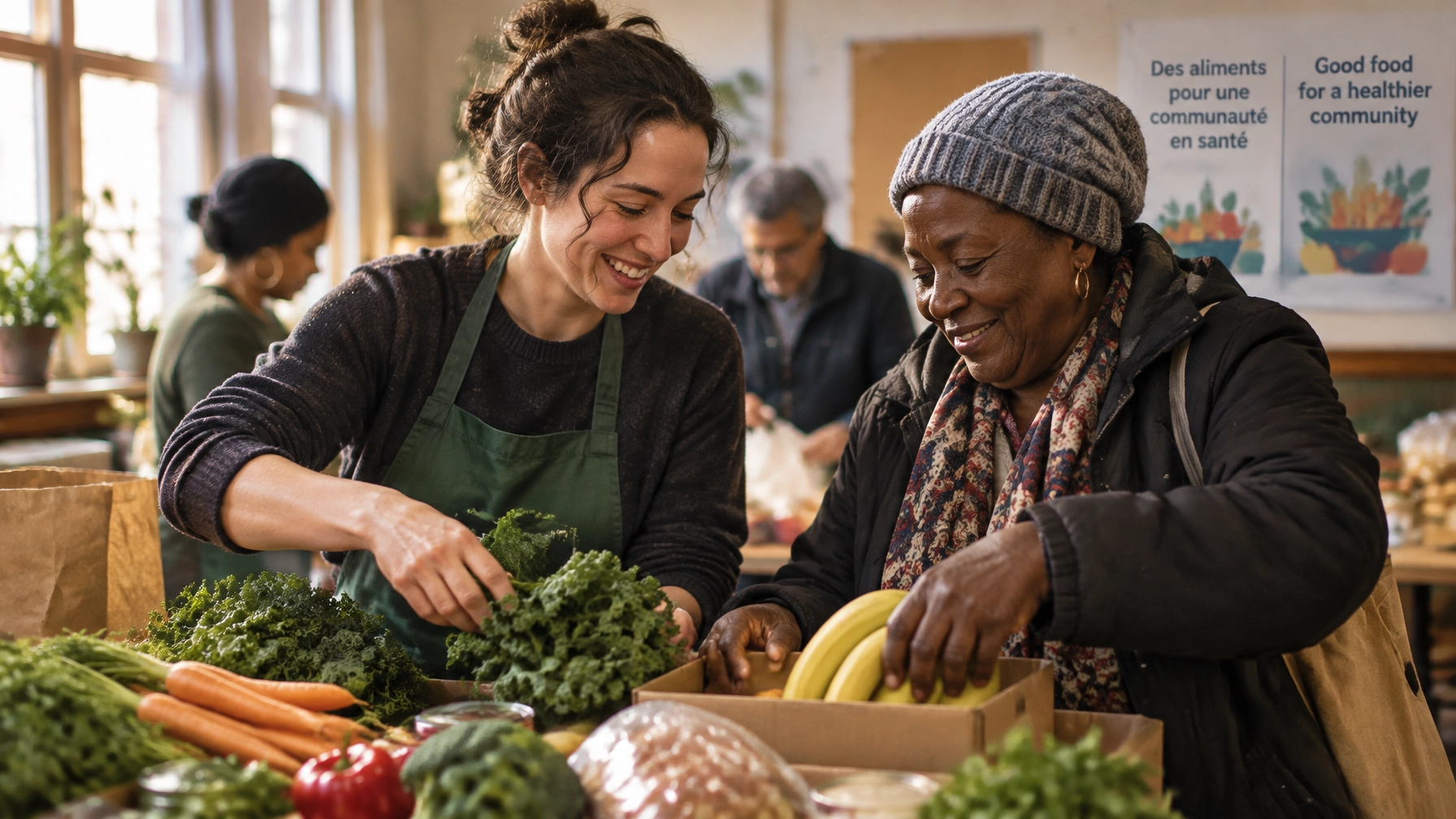
A parent in Scarborough searches for a food program nearby. A donor in Gatineau wants to know where to drop off winter clothing. They ask Google or an AI assistant a simple question, and another organization gets named.
Why? Your website lists twelve addresses on one Contact page, but doesn’t explain which site is open Saturday, whether the Laval location needs appointments, or which neighbourhood each program serves. People closest to your work can’t find the answer they need, so they may not take the next step.
A location page for each site gives search engines, answer engines, and people something your map can’t: clear, current, location-specific information.
TL;DR
- A Contact page with multiple addresses rarely answers the questions people ask about a specific site.
- Give every staffed location, program hub, and active pop-up its own useful page.
- Include accurate hours, services, service area, access details, a contact, and one primary action.
- Route enquiries to the coordinator responsible for that location.
- Use consistent location data on your site, in structured data, and on eligible Google Business Profiles.
- Build a reusable CMS template, then assign one person to keep location details current.
Why one Contact page can’t do this job
“Near me” is a way people describe what they need, not just where they are. They want a food bank that’s open now, a volunteer shift they can reach, or a drop-off point close to home.
Those details vary by location. A map pin shows where a site is, but not whether donations are accepted there, whether someone can arrive without an appointment, or which postal codes the site serves. Proximity questions need per-site answers.
Search engines and AI answer tools rely on information they can find and interpret. Clear text, consistent details, and structured data can help them understand what each location offers. A map embed alone doesn’t provide the same context.
Keep a locations overview page if it helps visitors compare sites. But make each location clickable and give it a dedicated page with information about that site.
What belongs on a location page that converts?
Start with the questions someone needs answered before visiting or contacting you. Include:
- A specific H1: Site name and neighbourhood, such as “Parkdale Community Food Program.”
- Hours: Regular hours for this week and clearly stated holiday or temporary hours.
- Getting there: Full address, transit options, parking information, and entrance instructions.
- What happens there: Programs and services actually delivered at this site.
- Who it serves: Catchment area, postal code prefixes, and referral or eligibility requirements.
- One primary action: Register, book, drop off, apply, or sign up for a volunteer shift.
- A direct contact: A named coordinator or a phone number that reaches the right team.
- Access and language details: Wheelchair access, accessible entrance information, and languages available at the desk.
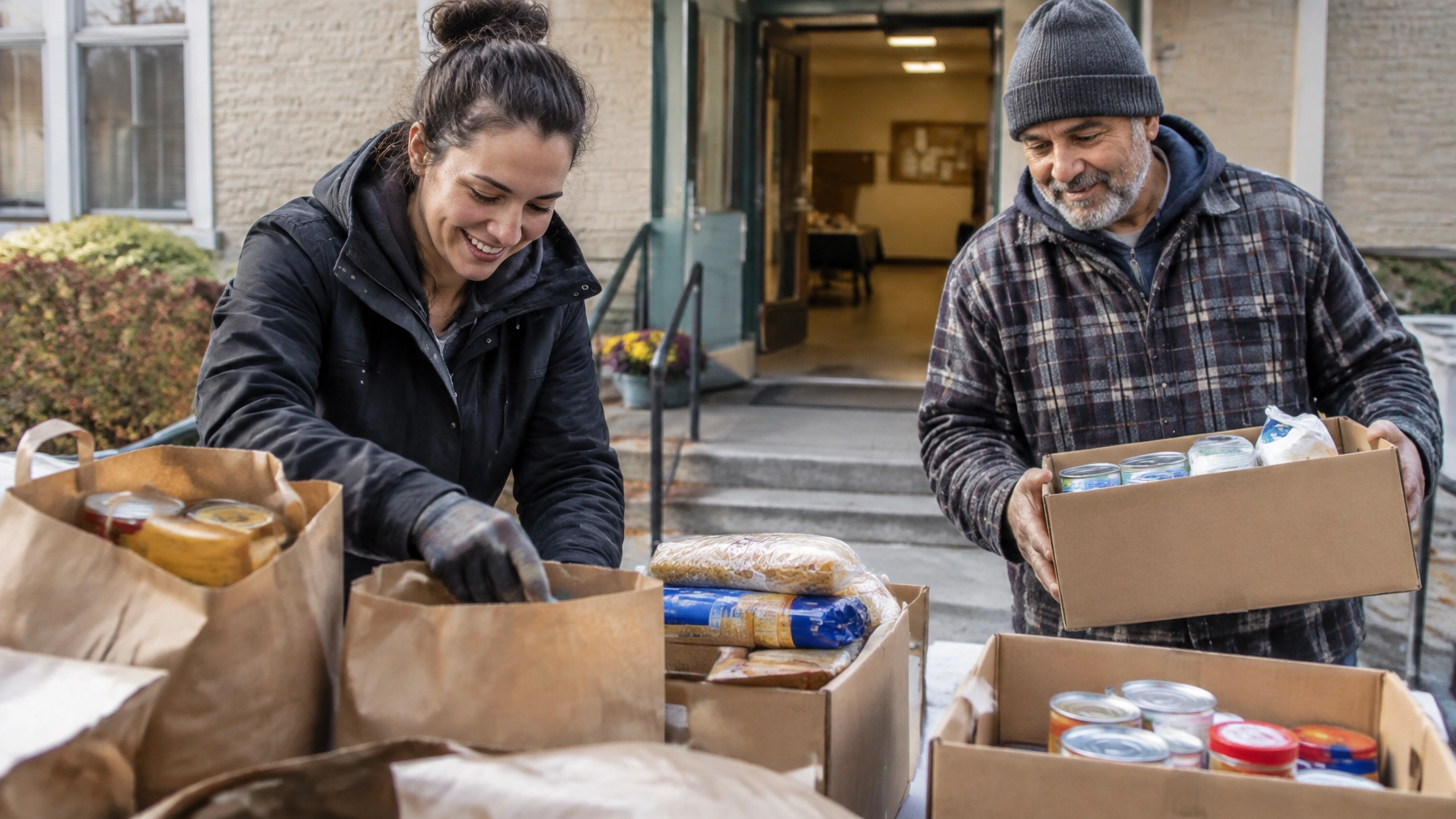
- A site-specific photo: Show the building, entrance, or team so visitors know what to look for.
One site might invite neighbours to register for a food hamper. Another might focus on booking an intake appointment. Choose the action that makes sense for that location, then make it obvious. One page, one primary action.
Don’t send every location button to the same form
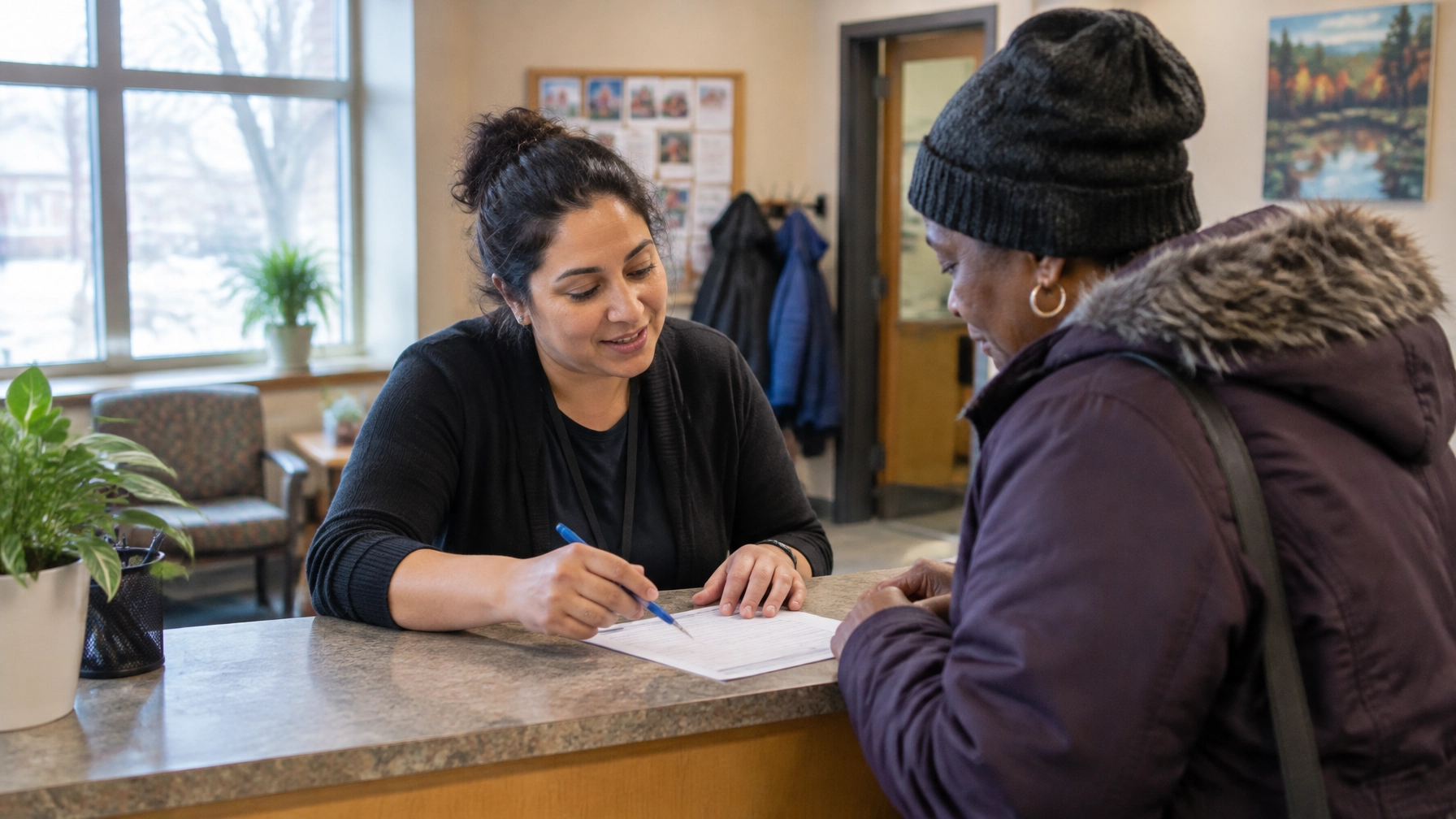
A visitor who clicks “Book at the Laval site” shouldn’t have to guess whether their message will reach the right person. A generic form with no location context can create delays and extra work for both visitors and staff.
Use a location selector in the form, with the relevant site preselected when possible, or create separate form endpoints for different locations. Confirm that submissions are routed to the right coordinator. The page should make the next step clearer, and the form should carry that clarity through.
Write location information in the questions people ask
Question-shaped headings can help people scan a page and make the answer easy to understand. Keep each answer natural, specific, and accurate for that site.
What are the hours at the East York food bank location?
The East York food bank welcomes visitors Monday and Wednesday from 10 a.m. to 2 p.m. Hours can change during holiday weeks, so check the notice on this page before travelling. If you need help outside those hours, call the East York team to ask about available options.
Do I need an appointment or referral to use this location?
You can visit the Parkdale community services desk without an appointment for initial information. Some programs require a referral or intake booking, and eligibility depends on the service. Call the Parkdale team before travelling if you’re unsure which program fits your needs or what documents to bring.
Where can I drop off donations in Ottawa?
Clothing and unopened pantry donations are accepted at our Centretown site during staffed drop-off hours, Tuesday to Friday, 10 a.m. to 4 p.m. Please don’t leave donations outside when the site is closed. For furniture or larger items, contact the team first to confirm what they can accept.
Is the North York site accessible by transit or wheelchair?
The North York site is a short walk from the nearest subway station and has a step-free entrance from the east side of the building. The program room and washroom are wheelchair accessible. If you need help locating the entrance or have a specific access question, call the site before your visit.
Which location serves my postal code, and is the site open on holidays?
The Côte-des-Neiges program serves residents with postal codes beginning H3S and H3T. Holiday hours vary by date, so review the current holiday notice below before visiting. If your postal code is outside this catchment, contact us and we’ll help you identify the closest program that may serve you.
These examples are templates, not claims about real sites. Replace every detail with verified information. Holiday hours deserve special attention: outdated holiday details can lead to wrong answers online and calls to staff who are already busy supporting their community.
Make the information understandable to search engines, too
Use structured data to describe your organization and its locations. Google recommends organization details on your homepage or a single page about your organization. That can include your legal name, logo, official social profiles through sameAs, and a contact point. An Organization structured data guide explains the options.
Then describe each physical location on its own page with location-specific entity data: address, geographic coordinates, telephone number, and openingHoursSpecification. Use the most specific accurate LocalBusiness type available for the site. Don’t force a subtype that doesn’t represent what the location is. See Google’s Local Business structured data documentation.
Keep your name, address, and phone number consistent across your website and other listings. Use the same spelling, address details, and phone formatting wherever those details appear. Conflicting versions make it harder for systems, and people, to know which one to trust.
Google Business Profile: Be accurate about what each site does
Google’s eligibility guidance allows profiles for organizations that have a physical location people can visit or that travel to serve people. A staffed site may be eligible when it has in-person contact during stated hours. A service-area operation may also be eligible when staff travel to people. Eligibility depends on how the site actually operates, so check Google’s current Business Profile guidelines.
For eligible sites, use accurate categories, keep regular and holiday hours current, and link to the relevant location page. Never add keywords to your organization’s business name. If a program operates through outreach rather than a public-facing address, don’t present it as a storefront.
Build the pages once in Webflow, then keep the data current
A Webflow Locations CMS Collection can hold a record for each site. A shared Collection page template displays those records as individual pages, so a new location can follow the same content structure without building a page from scratch. Webflow supports dynamic CMS pages, reusable Symbols, conditional visibility based on CMS fields, and forms. See its documentation for CMS Collection pages, conditional visibility, and forms.
The CMS field design matters. Store hours as separate day, opening-time, and closing-time fields, not one paragraph. That makes it easier to display hours consistently, use the same source when implementing structured data, and update seasonal information. Add fields for programs, catchments, phone numbers, accessibility, languages, and a photo of the site.
Include a status field for temporary closures and use conditional visibility to show a closure banner when needed. Add a site selector to a shared form or use per-site forms with the right routing. A pop-up site for winter services can use the same template, then be retired when the program ends. Plan its page’s next step, such as an appropriate redirect, before closing it.
Keep the page straightforward on mobile. Many visitors will look up directions, hours, or an entrance detail while standing outside. Webflow provides hosting and performance features, but the design and media choices still need to support a quick, usable experience.
Local details across Canada
- Montreal: Make borough-level pages distinguishable, and make French information available on the same terms as English. Quebec’s French-language obligations can apply to organizations and their websites depending on their circumstances. Review the OQLF guidance and relevant Quebec government information. Phrases such as “ouvert samedi” are useful when accurate.
- Toronto: Put the neighbourhood in the H1 and page content. Transit and parking details help visitors, and neighbourhood names distinguish multiple sites within one city.
- Ottawa: Provide bilingual information for each site where appropriate, and account for people travelling across the river from Gatineau. Federal public servants may also be part of your donor and volunteer community.
- Vancouver: Some organizations serve people through outreach rather than a storefront. Be clear about which sites receive visitors and which areas an outreach team serves. Keep weather-related changes visible when they affect service hours.
Give location information an owner
A template helps keep pages consistent. It doesn’t keep information correct by itself.
Name one person responsible for the source of truth for location data. Review hours and closures quarterly, and again before each holiday season. When a site closes permanently, archive the page and redirect its URL to the most relevant current page so an old address doesn’t linger without guidance.
Your location pages are part of your service experience. They help someone decide whether to visit, what to bring, and how to take the next step.
For the wider picture of how those pages fit the rest of your site, read "Your Next Volunteer Is Already on Your Website" and "7 Mistakes You're Making With Your Nonprofit Homepage". This article stays on the location question: who serves whom, where, and when.
If you lead a nonprofit, charity, or mission-driven organization, book a consultation with Arch Impact Studio. We’ll help map which locations are hard to find today and what a useful, conversion-focused location-page system could look like for your team.