


Your homepage can look polished and still leave visitors unsure what your organization does, or what to do next. That uncertainty can cost you donations, volunteer sign-ups, and program applications.
A nonprofit homepage isn’t just a welcome mat. It should help people understand your mission, trust your work, and take a useful next step.
TL;DR: Fix these seven homepage mistakes
- Make your mission and primary action obvious.
- Show what support makes possible.
- Give donors, volunteers, and applicants clear paths.
- Use authentic, accessible imagery and mobile-first design.
- Answer common questions in plain language.
- Make your impact, identity, and location clear.
- Give your team an easy way to keep content current.
Let’s look at each mistake, and the practical fix.
1. Your headline sounds inspiring but says very little
“Building a brighter future together” may express your values, but it doesn’t tell a first-time visitor what you do, whom you serve, or where. Visitors shouldn’t have to decode your homepage before deciding whether it’s relevant to them.
The fix: Lead with a plain-language mission statement. Name the people or community you serve, the work you do, and your geography. Then pair it with a primary action.
For example: “We help newcomer families in Ottawa find housing, language support, and community. Help a family get settled.”
Keep the headline, supporting line, and main call to action visible near the top of the page. You can still express your personality; just make the meaning clear first.
2. You ask for support before you show what it achieves
“Donate now” is a clear action. But a visitor may still wonder what their gift will make possible, and whether your organization can be trusted to deliver.
The fix: Connect the ask to a real, specific outcome. Explain what a contribution supports, share recent results, and link to an annual report or program page. Use only figures your organization can substantiate, and add dates and context.
Help donors answer practical questions, too: Is this a registered charity? Will I receive a tax receipt? How is my gift used? Make details such as your legal name, contact information, privacy policy, and donation-receipt information easy to find.
Research from Nielsen Norman Group found that some nonprofit homepages lacked a clear Donate call to action. A visible, clearly labelled giving path is a simple but meaningful improvement.
3. You give every visitor the same path
Donors, volunteers, program applicants, and partners may all land on your homepage with different needs. If they have to search through the same maze of links, some will give up.
The fix: Choose one primary action for your most important current goal. Give other audiences clear, secondary routes, such as Volunteer, Apply for support, or Explore our programs, without making every option look equally urgent.
Use labels that describe the action, not vague phrases like “Learn more.” Link each action to the right destination, and check that those pages are up to date. For a seasonal campaign, make the campaign the primary action while it’s active, then switch it back when the campaign ends.
The takeaway? Homepage design should support outcomes you can report on: donation clicks, volunteer inquiries, and completed applications.
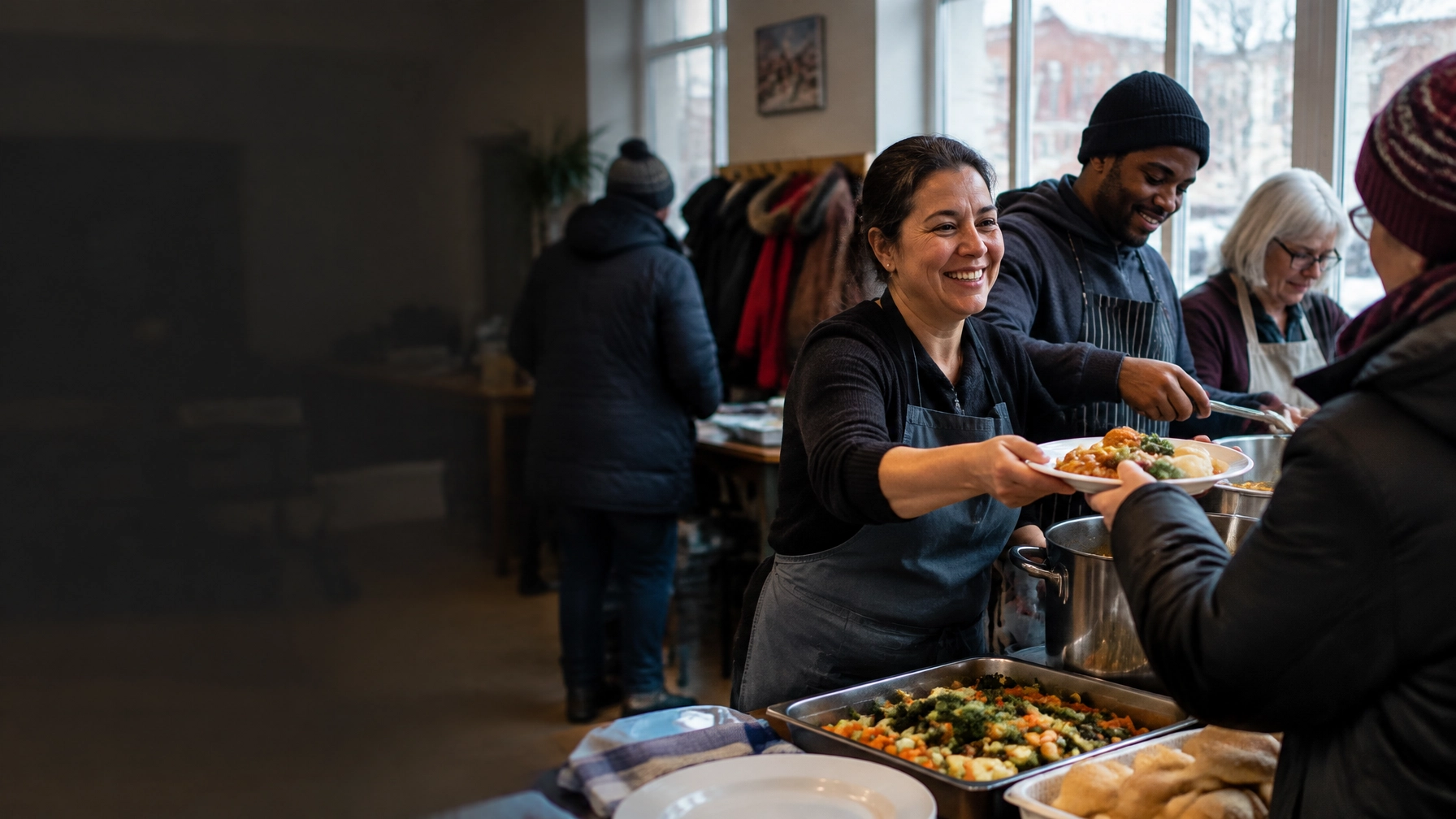
4. Your photos feel generic, or don’t reflect the people you serve
Corporate stock photos can make a community organization feel less real. So can images that show people as props rather than participants.
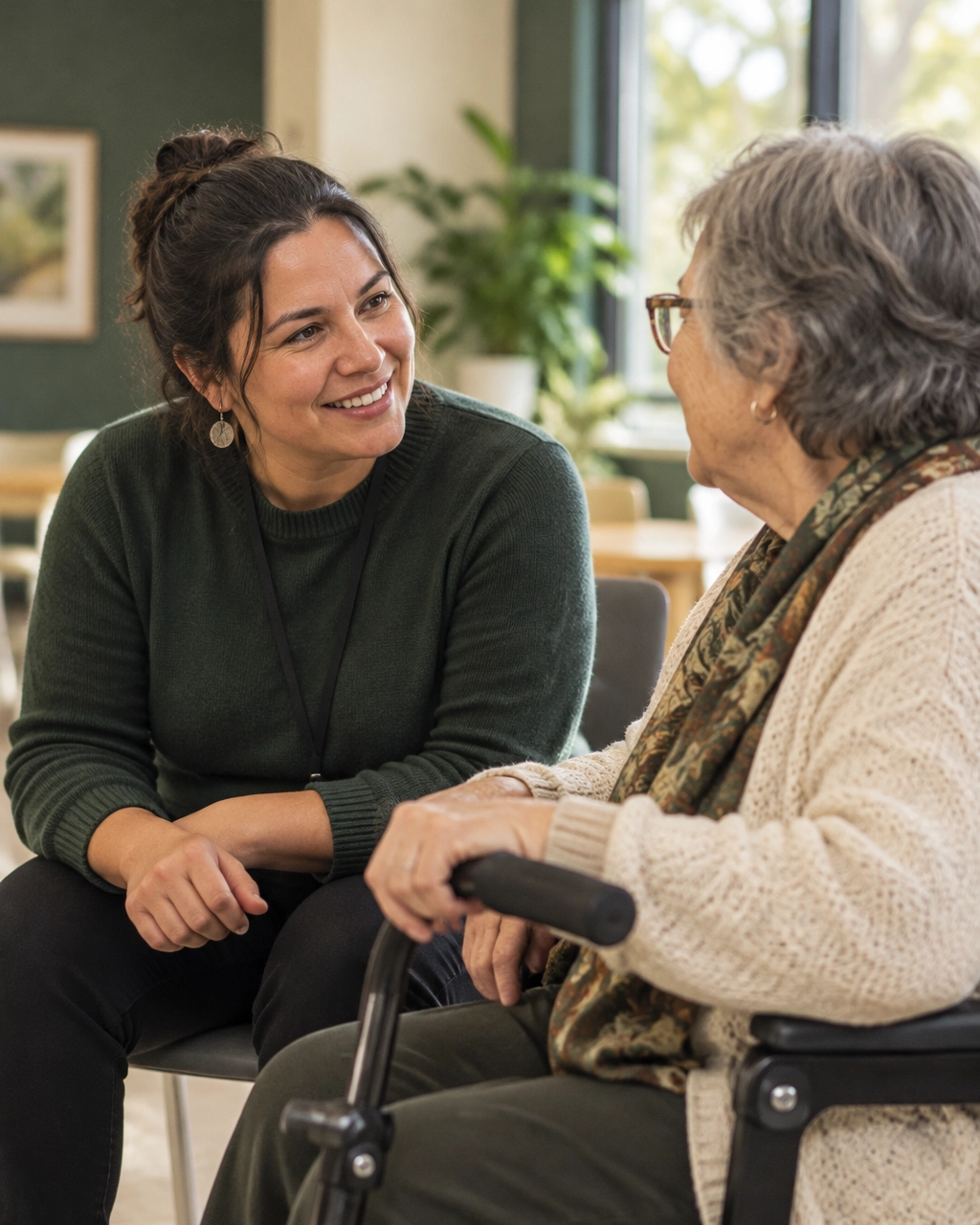
The fix: Choose authentic, mission-focused photography: program activities, community gatherings, volunteers in action, and real moments of collaboration. Show people with dignity and agency. Get appropriate consent, especially when photographing children or people in sensitive situations.

A few thoughtful images are more useful than a gallery of generic smiling faces. Add descriptive alt text for meaningful images, and check that text over photos remains readable. If an image is decorative, avoid using it to communicate essential information.
5. Your mobile homepage makes the next step harder
Many people discover an organization on a phone. If your donation button is hard to tap, your text is tiny, or your form is frustrating to complete, good intentions may not turn into action.
The fix: Review the full journey on a real phone, not only the homepage, but also the donation, volunteer, and application flows. Use readable type, clear buttons, accessible contrast, and forms that request only necessary information. Make errors easy to understand and fix.
For giving, explain what happens after a visitor submits the form. Keep reassurance about payment security and receipts near the point where it matters, not hidden at the bottom of a long page. CanadaHelps’ homepage guidance also recommends clear purpose, skimmable content, and visible calls to action.
6. Your homepage leaves important questions unanswered
A visitor may ask: Who can access your services? Where do you work? What happens to a donation? How do I apply? If the answer is buried, or missing, visitors may leave without taking action.
The fix: Add concise answers to the questions your team hears most often. Use question-shaped headings, then answer directly in the first sentence. For example:
Who can apply for your program?
“Adults living in the Greater Ottawa area can apply for our employment-support program. Applications are open year-round.”
This answer-first approach helps people scan and makes your information easier for search engines and answer engines to interpret. Keep details consistent across your homepage, program pages, and official profiles.
You can also use established structured data appropriately: Organization markup can identify your organization with accurate details, while FAQPage markup can describe visible, genuinely useful FAQs. Don’t add details you can’t verify, and don’t expect schema alone to improve visibility. There’s no need to invent a special “AI schema.”
7. Your homepage doesn’t reflect your city, or make updates manageable
Local context matters. In Montreal, bilingual French and English content should be planned intentionally. Give each language a clear, complete experience rather than relying on awkward automatic translation. Strong montreal web design considers both languages from the start.
In Toronto, where donors encounter many causes, be specific about the community you serve and the difference your programs make. For toronto web design, clarity helps your organization stand apart.
In Ottawa, funders and institutions may look for evidence of accountability. Make your reports, program reach, and organizational identity easy to find. Be clear about whether your work serves local communities, operates nationally, or both; that distinction matters in ottawa web design.
In Vancouver, community-led storytelling and mobile-first giving can make the experience feel closer to the people and place behind the mission. Use real community moments, and make giving straightforward on a phone.
And don’t let a good homepage go stale because every edit requires a developer. A platform such as Webflow can support fast campaign pages and CMS collections for repeatable content like news, events, and programs. Staff can make routine content updates without needing a developer; structural changes and technical work may still need specialist support. Arch Impact Studio’s Webflow training guide explains how teams can manage CMS content.
Webflow also offers eligible nonprofits 50% off a new annual Premium Site plan for 12 months, subject to its terms and eligibility requirements. The discount doesn’t apply to every Webflow plan or add-on. Check the official Webflow nonprofit discount details before building it into your budget. If you’re comparing a webflow developer in Canada, ask who will own routine updates after launch.
What should your nonprofit homepage answer first?
It should answer what your organization does, whom it serves, and what a visitor can do next. Then it should make the next step easy to take and provide enough evidence for someone to feel confident taking it.
That’s the foundation of effective non-profit web design and charity web design: every headline, image, and button supports a real outcome, not just a visual refresh. If your homepage isn’t helping people donate, volunteer, or apply, start by reviewing the seven mistakes above. A mission-driven website agency can help you turn that review into a focused plan.
At Arch Impact Studio, we build brands and websites for mission-driven organizations, with the goal of making their impact easier to understand and act on. Book a conversation with Arch Impact Studio and tell us what your homepage needs to do better.
Frequently asked questions
What should a nonprofit homepage include?
A clear mission statement, a prominent primary action, useful paths for donors and other audiences, evidence of impact, authentic imagery, accessible mobile design, and clear organizational contact and accountability information.
Should a nonprofit homepage have an FAQ?
Yes, if visitors regularly ask questions about eligibility, donations, programs, or how to get involved. Keep answers accurate and visible on the page. FAQ markup can describe that content, but it doesn’t replace clear answers.
Is Webflow a good choice for a nonprofit website?
It can be a good fit if your team needs flexible design, campaign landing pages, and structured content it can update itself. Compare the platform’s ongoing costs, integrations, accessibility needs, and your team’s capacity before choosing.
Does Webflow offer a nonprofit discount?
Webflow’s current offer is 50% off a new annual Premium Site plan for 12 months for eligible nonprofit organizations. Review Webflow’s terms and eligibility requirements, since the offer does not cover every plan or add-on.