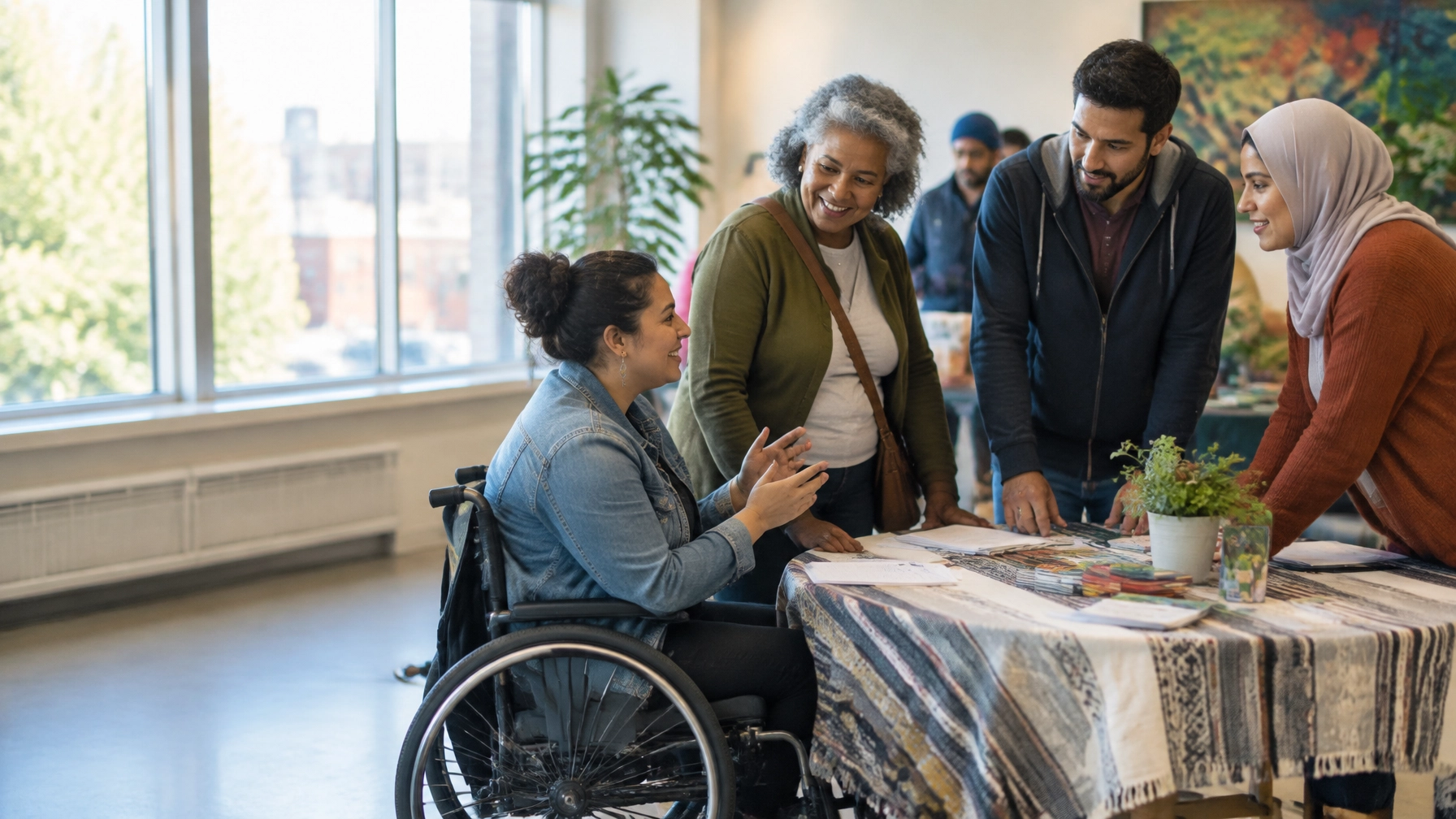


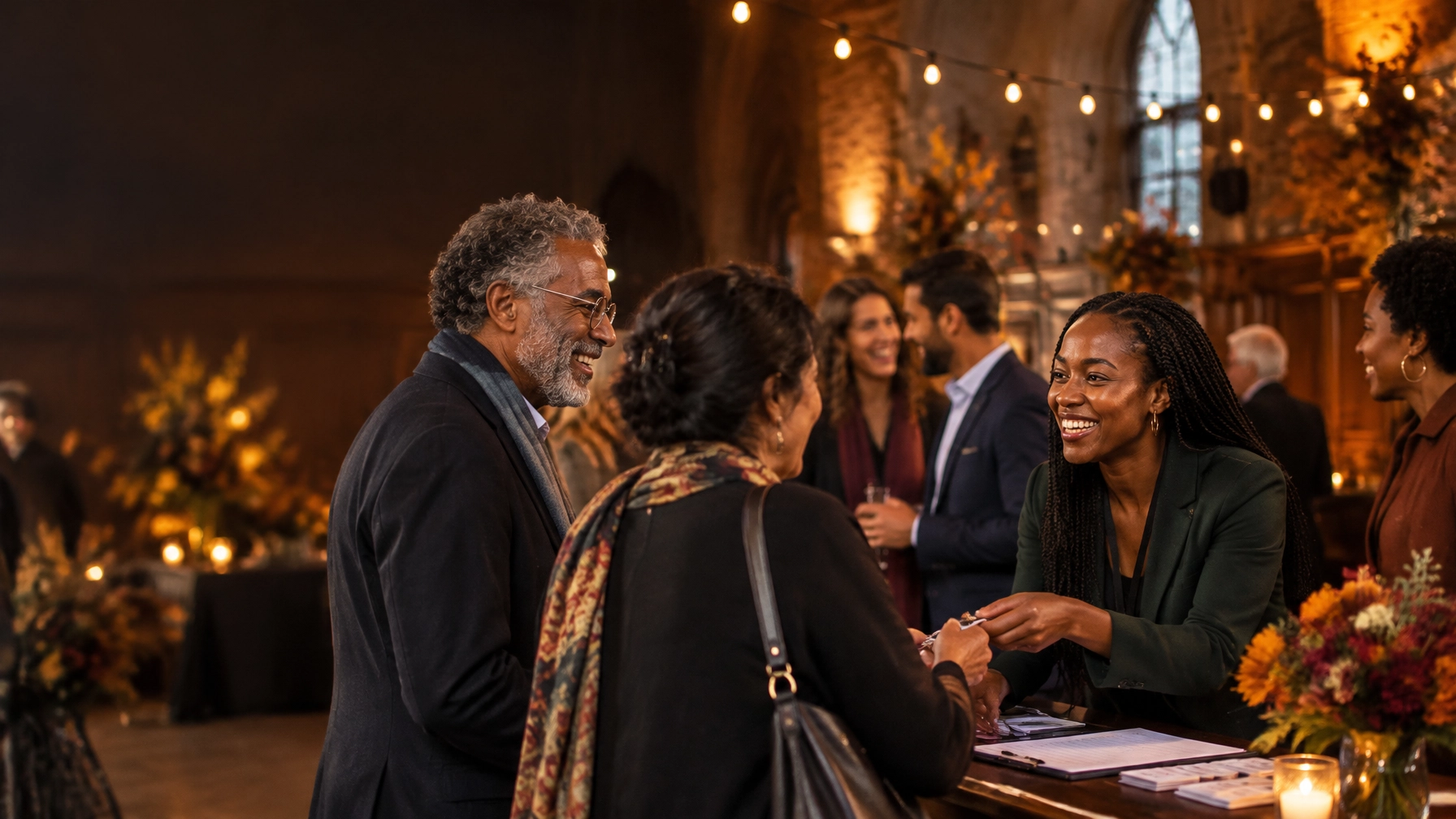
It’s late October. Your gala is coming up, the team is juggling a dozen details, and ticket sales aren’t moving as quickly as you hoped. The event has a great mission behind it, but online, the page may be asking people to work too hard to understand what’s happening, what it costs, or how to register.
That’s a fixable problem. Your event page isn’t just an online invitation. It’s the path from interest to a seat filled, a table sponsored, or a gift made.
Here’s how to build that path before, during, and after your event.
Before the event: make “I’m interested” lead to “I’m registered”
TL;DR: Put essential event details and one clear registration action front and centre. Then make it easy for individuals, groups, and sponsors to say yes.
Answer the practical questions first
A beautiful page can still leave potential guests unsure. Don’t make people hunt through a poster image, social posts, or a PDF for the basics.
Near the top of the page, clearly state:
- What: The event name and what guests can expect
- When: Date, start and end time, and time zone
- Where: Venue and address, or how to attend online
- How much: Ticket and table prices, including what each option includes
- Why: What the event supports and where the proceeds go
- How: A prominent “Buy tickets” or “Register” button
Use plain, specific language: “Join us on November 12, 2026, at 6:30 p.m. at [venue]” is more useful than “An unforgettable evening awaits.” Keep the evocative line if you love it, but don’t let it replace the facts.
People search naturally, and AI answer tools interpret pages by reading their content. A clear event page can directly answer questions like “When is [charity] gala 2026?”, “How much are tickets?” and “Is there a dress code?” Add a visible FAQ with concise answers about attire, parking, accessibility, refunds, ticket transfers, and whether a tax receipt is available.
Be precise about receipts. For a registered charity, the receiptable amount for a fundraising dinner ticket may depend on the value of the meal and other benefits included. The Canada Revenue Agency’s guidance on fundraising dinners explains how eligible amounts are calculated. Confirm your wording and calculations with your finance team; don’t promise that the full ticket price is tax-deductible.
For search engines, the same clarity matters. Google supports event structured data, which can help search systems interpret details such as an event’s date, location, and offers. The markup must match what people can actually see on the page; it isn’t a substitute for clear content or a guarantee of enhanced search results. See Google’s Event structured data guidance.
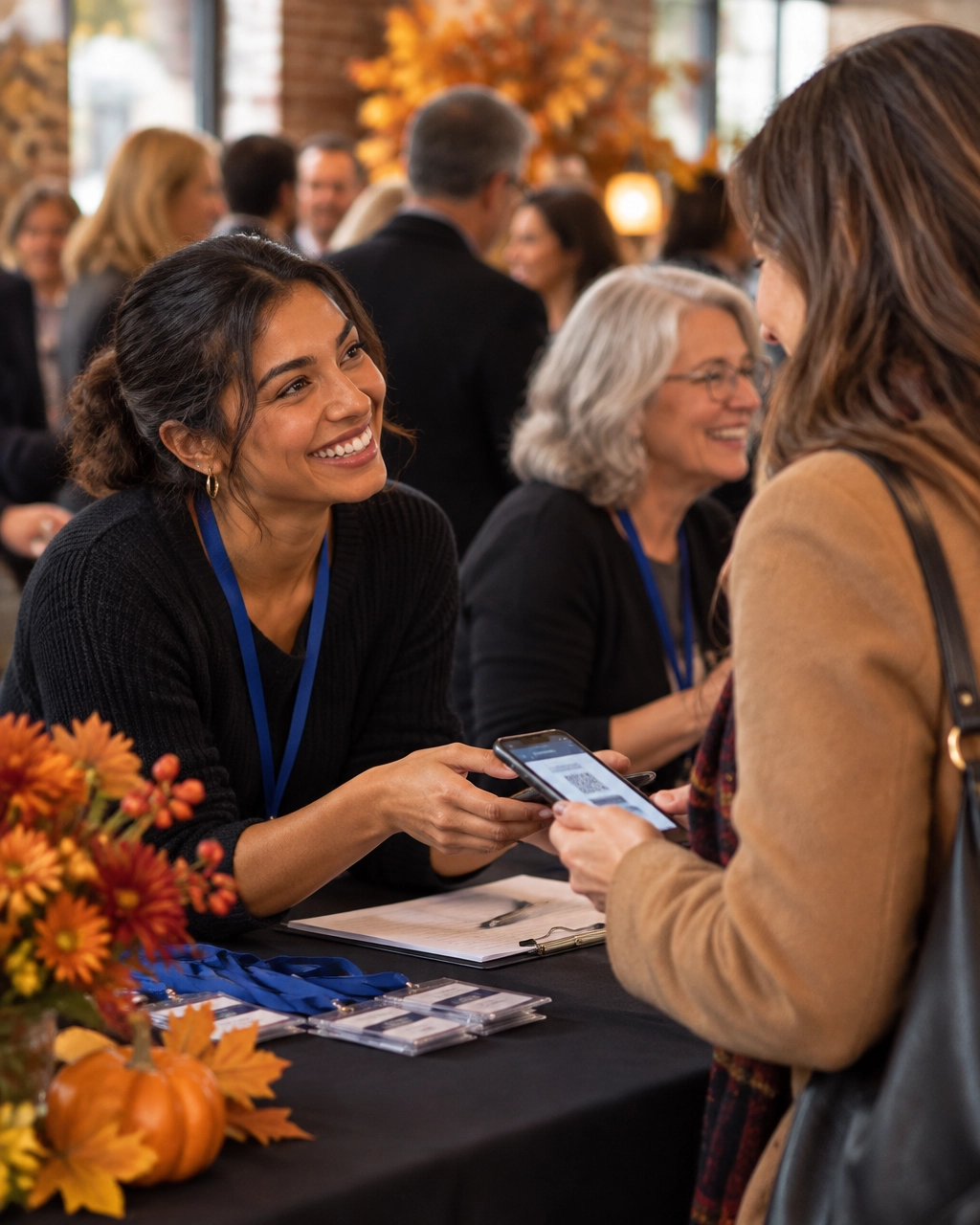
Make the price, and the choice, easy to understand
A ticket list should help someone decide, not make them decode your fundraising plan.
Show each option’s price, inclusions, and intended audience. For example:
- Individual ticket: $X per guest; includes dinner and the evening program.
- Table of eight: $X total; includes eight seats and reserved table placement.
- Community supporter ticket: $X; includes event access and a contribution to the program.
Use your actual prices and inclusions, of course. If a table captain can invite guests or assign seats, explain that process before checkout. If the attendee’s name differs from the purchaser’s, make it possible to submit guest details later.
A short registration flow usually works better than a long questionnaire. Ask for what you need to process the registration and prepare for the event. Save nonessential questions for another time.
Sell sponsorship as a partnership
A sponsor page shouldn’t read like a list of donation amounts. It should show how a partnership creates value for the sponsor and supports the mission.
For every tier, clearly list:
- The contribution amount
- What the sponsor receives, such as recognition, tickets, or a speaking opportunity
- Where and how recognition appears
- Who to contact to discuss a custom partnership
Use real sponsor logos with permission. If you have last year’s examples, show how partners were recognized: on event signage, in the program, or in a follow-up recap. Make the next step easy: “Explore a sponsorship” can lead to a short inquiry form or a named contact, not a generic homepage.
The takeaway? A sponsor needs a clear picture of the partnership before committing. Give them one.
Create urgency honestly
Early-bird deadlines and limited seating can help people decide, but only if they’re accurate. Show the deadline, the regular price, and what changes after it. If a ticket tier sells out, update the page. Don’t use a countdown that resets or imply scarcity that isn’t real.
During the event: include people who can’t be in the room
Some supporters can’t attend in person. They may live elsewhere, have a schedule conflict, or simply prefer to participate from home. A livestream or remote giving option can let them be part of the moment.
Put the virtual access link and instructions somewhere easy to find. If you’re inviting donations during the program, keep the giving link simple to open on a phone, whether it’s in a livestream description, an email, or a QR code shown on screen. Explain what the gift supports and what happens after someone gives.
Test the full path before event night. Check that links work on mobile, donation amounts and fees are clear, and the confirmation message arrives. A smooth in-person experience is wonderful; a smooth remote experience makes the event more inclusive.
After the event: turn one evening into next year’s proof
The event page shouldn’t disappear the morning after the gala. Update it into a recap with a selection of event photos, a sincere thank-you, sponsor recognition, and a specific account of what the event helped make possible.
Share outcomes you can substantiate. If you have the final amount raised and know how it will be used, say so. If the total is still being confirmed, be clear about that. Where possible, connect the result to a concrete next step in the mission rather than treating the fundraising total as the whole story.
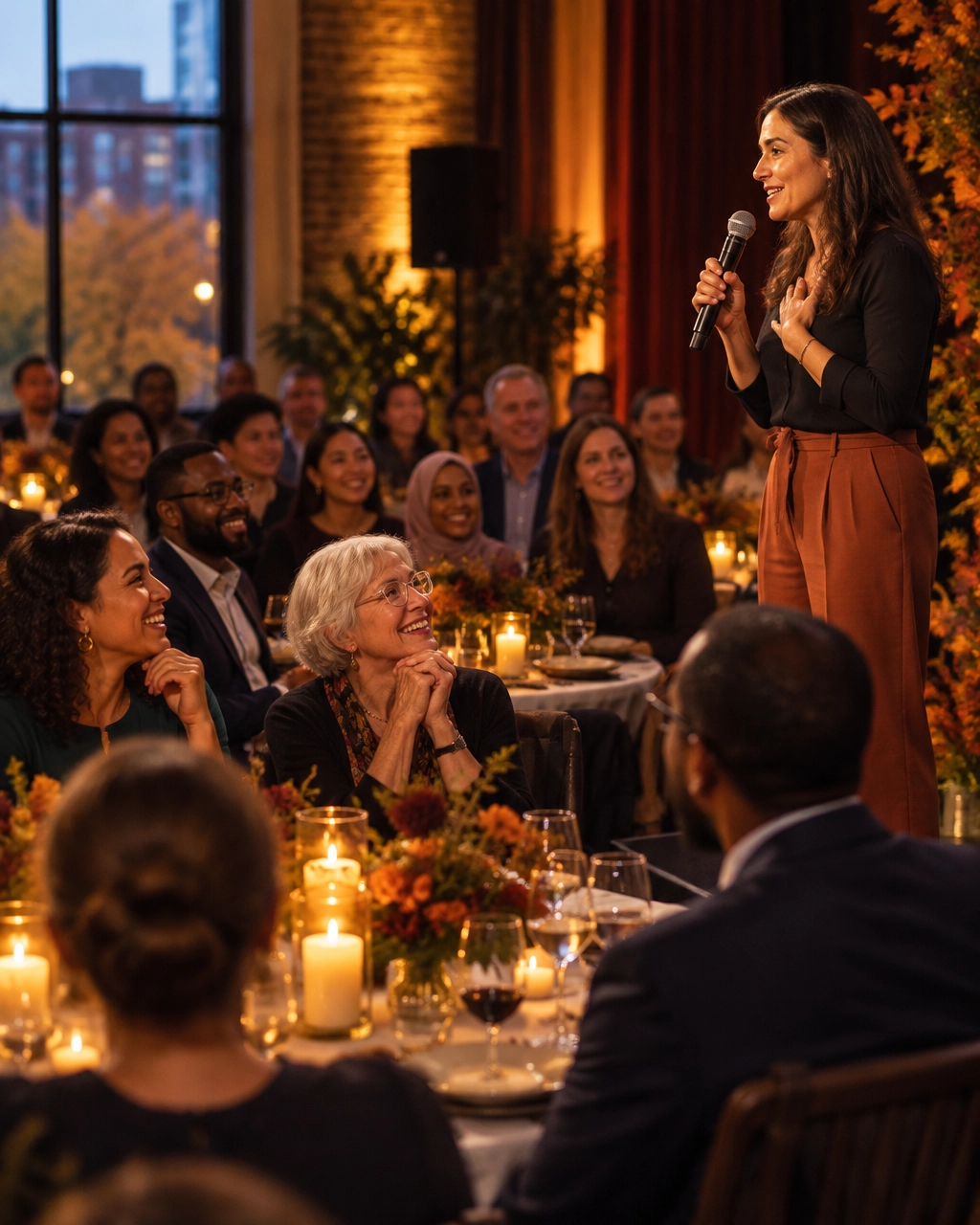
A useful recap can also support your next event. Keep the page live at a stable URL, add a link to your next event when details are ready, and use real photos and attendee comments, with permission, to show future guests what the evening feels like. It can remain a helpful resource for people searching for information about the event, while giving your team a starting point for next year’s promotion.
After registration, follow through with a confirmation page and email that make the next step clear: save the date, check the venue details, contact the team about accessibility, or share the event with a colleague. After the event, thank attendees and sponsors, share the recap, and give interested guests an easy way to hear when early-bird tickets open next year.
A local note: the event page has to fit its city
- Montreal: Bilingual French and English event information can help you reach more people and feel at home in Quebec’s dense fall gala season. Make the full registration journey clear in both languages, not just the headline.
- Toronto: In a competitive charity event market, corporate partners and young professionals may judge the event online before they commit. Show what table and sponsor packages include, and make partnership benefits easy to scan.
- Ottawa: National charities and government-adjacent donors may want to see clear impact information and official charity registration details. Include them, and make French-language information available where it’s relevant to your audience.
- Vancouver: For mobile-first audiences and experience-led events such as runs, concerts, and auctions, make the page quick to load and simple to use on a phone. A slow, difficult registration flow adds friction at precisely the wrong moment.
Where Webflow can help
When event details change, your team shouldn’t have to wait on a developer for every ticket price, date, or sponsor logo. Webflow’s visual editing and CMS can support a reusable event-page template, so your team can update event content and duplicate a previous page as a starting point for the next one. You can also organize repeatable content such as sponsors or auction items in a CMS, depending on how your site is set up.
For a small team, that flexibility can make it practical to launch a focused event page quickly, without rebuilding the whole website every season. It still takes thoughtful design, content, and testing. The platform helps your team move faster; the strategy makes the page work harder.
For more on the platform, see Webflow’s overview of CMS Collection pages and Arch Impact Studio’s Webflow design article.
Your next full house starts with a clearer page
Your event doesn’t need more decorative flourishes or another PDF buried in a menu. It needs a clear promise, useful details, an easy way to register, and follow-through that carries the connection beyond the room.
If you’re a social impact leader ready to fill seats, sell tables, and turn gala guests into year-round supporters, book a consultation with Arch Impact Studio. We’ll help you build an event page, and a website, that puts your mission into action.