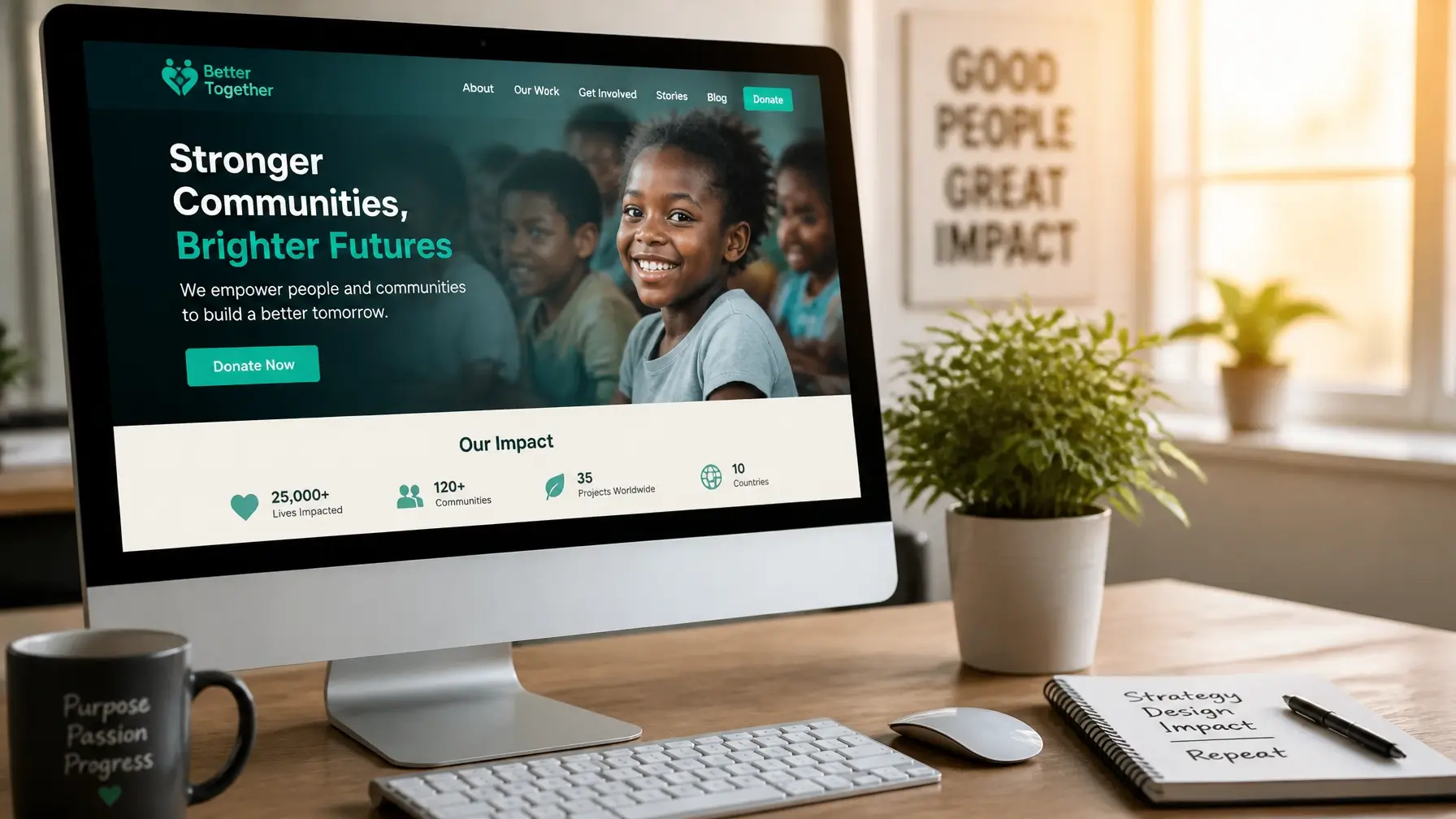
As we step into a new year, it is a perfect time for SaaS companies to refresh their web design strategies. The digital world always moves quickly, and starting with a fresh perspective can give businesses a competitive edge. By updating and optimizing web design, companies can stay relevant and keep their audience engaged. This year, we will be sharing practical tips to help you make the most out of your website, ensuring it captures the attention of both new and existing users.
Web design for SaaS companies is not just about making things look attractive, but also about improving functionality and user experience. A well-designed site can build increased trust and support improved conversion rates. Throughout this article, we will cover different strategies to help you create a site that is both beautiful and efficient. From first impressions to supporting mobile usability, we will address key aspects to help your SaaS website stand out in 2026.
1. Understanding the Importance of First Impressions
First impressions matter, especially with web design. The visual aspect of your site is often what visitors notice first, and strong visuals and consistent branding can capture and keep their attention. When users arrive at a SaaS website, they are evaluating both the appearance and the reliability of the service provided. A professional and cohesive design can show trustworthiness, which is important for turning visitors into customers.
Aligning your design with your brand identity is essential. This means using colours, fonts, and images that represent your company. Consistency across all pages helps build a strong brand presence. It is not just about the visual appeal; it is about helping users feel like they have entered a well-crafted space that reflects your company’s values.
To achieve this, consider these key points:
• Use a colour palette that matches your brand image, creating harmony across the site.
• Choose typography that is easy to read and matches the tone of your brand.
• Incorporate your logo and other branding elements consistently throughout the website.
Extending these practices further can leave an even stronger impact. A well-placed welcome message or introductory banner can help new visitors feel valued and oriented. Simple aspects like friendly headings and a warm, clear introduction to what your SaaS company does will help foster an immediate connection. Making sure important details like your business name and tagline are easy to spot brings confidence and clarity for visitors from the start.
2. Enhancing User Experience for Higher Conversion
Creating a user-friendly web design is very important for supporting conversions. A site that is easy to navigate keeps visitors around longer, increasing the chances of turning them into customers. Items like layout, navigation, and readability play big roles in how users interact with a site. If visitors struggle to find information or get frustrated with the layout, they are likely to leave quickly.
It is helpful to focus on the user journey, simplifying it so visitors can intuitively find what they are looking for. A well-structured layout helps users focus on the content and leads them toward taking the desired actions, whether signing up for a newsletter or trying out a demo.
Here are some strategies to improve user experience:
• Simplify navigation by limiting menu options and making sure they are descriptive.
• Make sure text is easy to read by using strong contrast and proper font sizes.
• Use clear calls to action that guide users toward conversion points.
The overall goal should be to create a smooth experience that makes it easy for users to explore the site and understand what you offer. An intuitive layout combined with appealing content can make a substantial difference in engagement and satisfaction.
Paying attention to simple, time-saving details helps too. For example, ensuring important links are visible and easy to click can make a positive difference. Including a helpful search bar at the top of your site gives users an instant way to find what interests them most. Making every page feel consistent, with similar layouts and design elements, can also make visitors feel more comfortable as they explore.
Designing simple, predictable page structures helps your site feel welcoming and easy to use. Sections like “Features,” “About,” and “Contact” should be straightforward, with no mystery around what users will find inside each. Adding a few quick explanations or clear section headings can help guide users who are new to your SaaS company, making their visit easy and enjoyable from the start.
3. Designing for Mobile Users
As more users access websites from mobile devices, having a mobile-friendly design has never been more important. SaaS companies must consider how their sites work on smaller screens, making certain all content is accessible and easy to use. Ignoring mobile design can result in a poor user experience and lost opportunities.
Improving site performance for mobile includes several key factors:
• Supporting fast loading times by minimizing heavy assets like large images or extensive scripts.
• Simplifying the design and adding touch-friendly elements for easier interaction.
• Using responsive design techniques to make sure your site works on various screen sizes.
With Webflow's features, creating a responsive and fluid design is easier. You can preview a site on different devices and make necessary adjustments without difficulty. This organized approach keeps mobile users engaged and satisfied with their experience.
By focusing on these design ideas, SaaS companies can make certain their websites are user friendly and ready for the rising number of mobile users. As time goes on, having a mobile-responsive site should be a core part of any web design strategy.
When considering mobile users, pay attention to button sizes so they are big enough for tapping. Avoid layouts where important links are placed too close together. Make forms short and easy to fill out, ideally with large input fields and simple dropdown menus. These small touches show users you're thinking about their convenience at every step.
Providing clear visual feedback is another practical tip. When users tap a button, it helps if the button shows a change so users know their action was received. Helping mobile visitors feel confident as they move through your site keeps them engaged and more likely to return.
4. Effective Use of White Space and Typography
White space, often overlooked, is a strong design element in modern web design. It helps make a clean, uncluttered look and improves the overall readability of your site. By giving elements room to breathe, you can make key information stand out and direct users' attention to the most important parts of a page. This approach not only improves a site's appearance, but also supports the user experience.
Choosing the right typography is just as important. Fonts should be easy to read and reflect your brand's personality. Whether choosing a classic serif for a professional touch or a modern sans-serif for a current feel, the goal is to create clarity and consistency across all pages. Using a mixture of font sizes and styles highlights different content sections, attracting users and encouraging them to keep reading.
Balancing looks and function means using white space and typography with care to improve your site's design without affecting usability. It is about finding the balance so that users both appreciate the visual appeal and have a smooth browsing experience.
You can gently guide visitors through your content by leaving extra space between sections and using headings to break up long stretches of text. Avoid cramming too much information into small spaces, since that can cause visitors to miss the most important details. With a careful approach, your message becomes easier to follow, and readers feel more at ease as they explore.
Pick font weights and line spacing that allow for clear reading even on small screens. Avoid using too many different fonts, as this can make your website look cluttered and cause distractions. When in doubt, sticking to two or three complementary font families helps maintain a cohesive and user-friendly feel.
5. Leveraging Webflow for Customisable Design
Webflow provides unique benefits for SaaS web design. It is not just about flexibility, but also about the tools that make personalizing your website easier than before. With Webflow, you can create a dynamic site that adapts to your business needs without requiring extensive coding skills.
One of Webflow's highlights is its design flexibility. It allows you to try different layouts, animations, and interactions to find the right mix for your website. This is especially helpful for SaaS companies looking to create a site that is visually impressive and highly functional.
According to Arch Web Design's service offerings, every website is fully custom, tailored for SaaS companies, and created to help teams stand out. Plus, our websites are also built with conversion rate optimisation in mind, helping drive real business results.
Real examples of effective SaaS site designs show what Webflow can do. By using Webflow's features, companies have created websites that show their products clearly and attract users effectively. With its helpful tools, Webflow makes it easy to build a design that supports your SaaS offerings.
Working with a flexible tool like Webflow also makes regular updates less stressful, which is useful when trends or your business needs change. Its drag-and-drop editor means you can switch up layouts, adjust imagery, or refine animations simply, without worrying about breaking your existing site. By regularly testing small design updates, you can see what works best and keep your site fresh.
Webflow’s simple integrations support popular analytics and customer management tools, giving you the freedom to adapt quickly. This convenience means you are always ready to respond to new ideas or feedback without a complex overhaul.
6. Incorporating Interactive Elements
Interactive design elements can significantly improve user engagement on a SaaS website. These features encourage users to explore and engage with content, creating a more memorable visit. Interactive items, such as slideshows, animations, and clickable infographics, can make using your site more interesting and engaging.
Well-designed interactive elements can keep visitors on your site longer and encourage them to learn more about your services. For SaaS websites, features like interactive product demos or Q and A sections can give potential customers helpful insights into how your products work, making it easier for them to see the benefits.
When adding these items, it is important to keep performance and usability high. Interactive designs should not slow your site or make it hard to use. Instead, they should add to the overall user experience, supporting both enjoyment and functionality.
Adding interactive chat support, for example, enables users to ask questions quickly. This can clear up confusion and move visitors closer to a decision. Subtle animations, like buttons that highlight when hovered over or sections that gently slide into view as a user scrolls, can make a site feel lively without being distracting.
Interactive FAQs also offer a simple way for users to get answers on the spot. Consider progress bars in sign-up forms, so users know how many steps are left before they are finished. By thinking about where interactive elements can add value, rather than just for visual flair, your SaaS site can deliver better experiences and assist users more efficiently.