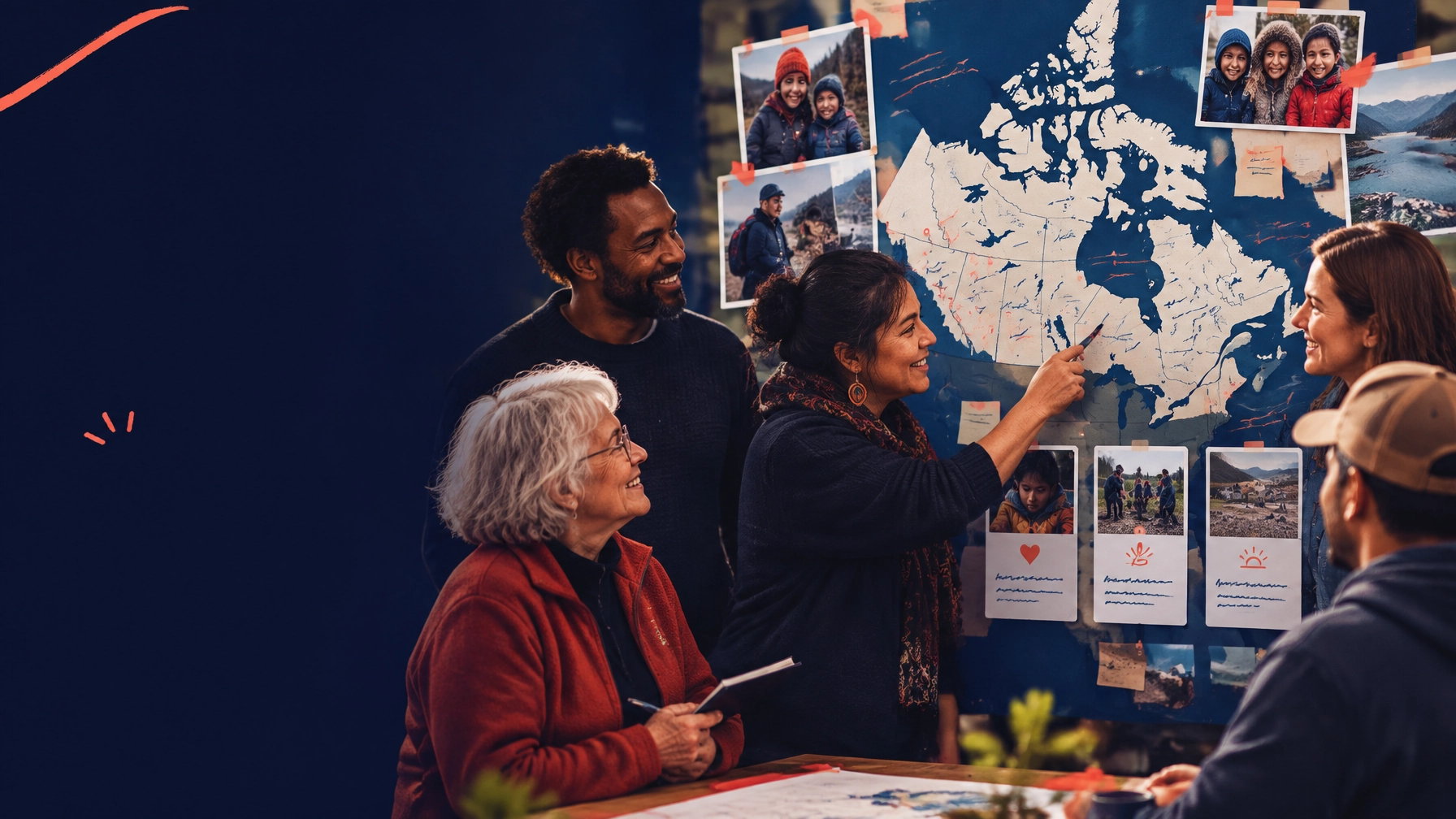
Your next fundraising campaign should not be held back by your website.
Yet that happens all the time. A campaign is approved, the creative is ready, and the email is scheduled. Then everyone waits for a page to be designed, developed, reviewed, translated, tested, and published.
By the time the donation page is live, the moment has passed.
Canadian nonprofits need websites that can move at the speed of their mission. That is where Webflow and Answer Engine Optimization (AEO) work especially well together.
Webflow gives your team a scalable system for launching donation pages, campaign stories, and program updates quickly. AEO helps people, and AI-driven search tools, find and understand those pages in the first place.
The result is simple: more visibility, less production friction, and more opportunities to turn attention into action.
TL;DR
- Webflow components let you build donation-focused layouts once and reuse them across campaigns.
- Webflow CMS makes campaign pages, impact stories, and FAQs easier to launch and maintain.
- A 50% nonprofit discount may be available on one eligible annual site plan, subject to Webflow’s current requirements.
- AEO uses question-based headings, direct answers, FAQ content, and structured data to improve visibility in AI-driven search.
- Canadian nonprofits should adapt their digital experience to local realities in Montreal, Toronto, Ottawa, and Vancouver.
- With the right architecture, a campaign page can launch in days instead of months.
Why campaign velocity matters for nonprofits
A nonprofit website is not a brochure. It is part of your fundraising infrastructure.
Your website may need to support:
- A year-end giving campaign
- A crisis response appeal
- Monthly donations
- Volunteer recruitment
- Corporate partnerships
- Grant and funder credibility
- Event registration
- Program applications
- Impact reporting
These needs change constantly. A static website forces your team to start from scratch every time.
That creates delays. It also creates inconsistency. One campaign has a strong story and clear donation flow. Another uses an outdated template, a buried call to action, or a form that does not work well on mobile.
The solution is not more pages. It is a better system for producing the right pages quickly.
Webflow’s biggest nonprofit advantage: reusable donation components
Webflow allows your design and development team to create reusable components that can appear across the site.
For a nonprofit, that might include:
- A persistent Donate button
- A campaign hero section
- A donation impact block
- A monthly giving prompt
- A donor trust section
- A testimonial or community voice block
- A campaign progress section
- A newsletter signup
- A volunteer CTA
- A bilingual language switcher
Build these once. Then reuse them wherever they make sense.
A new campaign page does not need a brand-new layout. Your team can choose the right components, add the campaign content, connect the donation form, and publish.
That is how you move from a six-week page production cycle to a repeatable launch process.
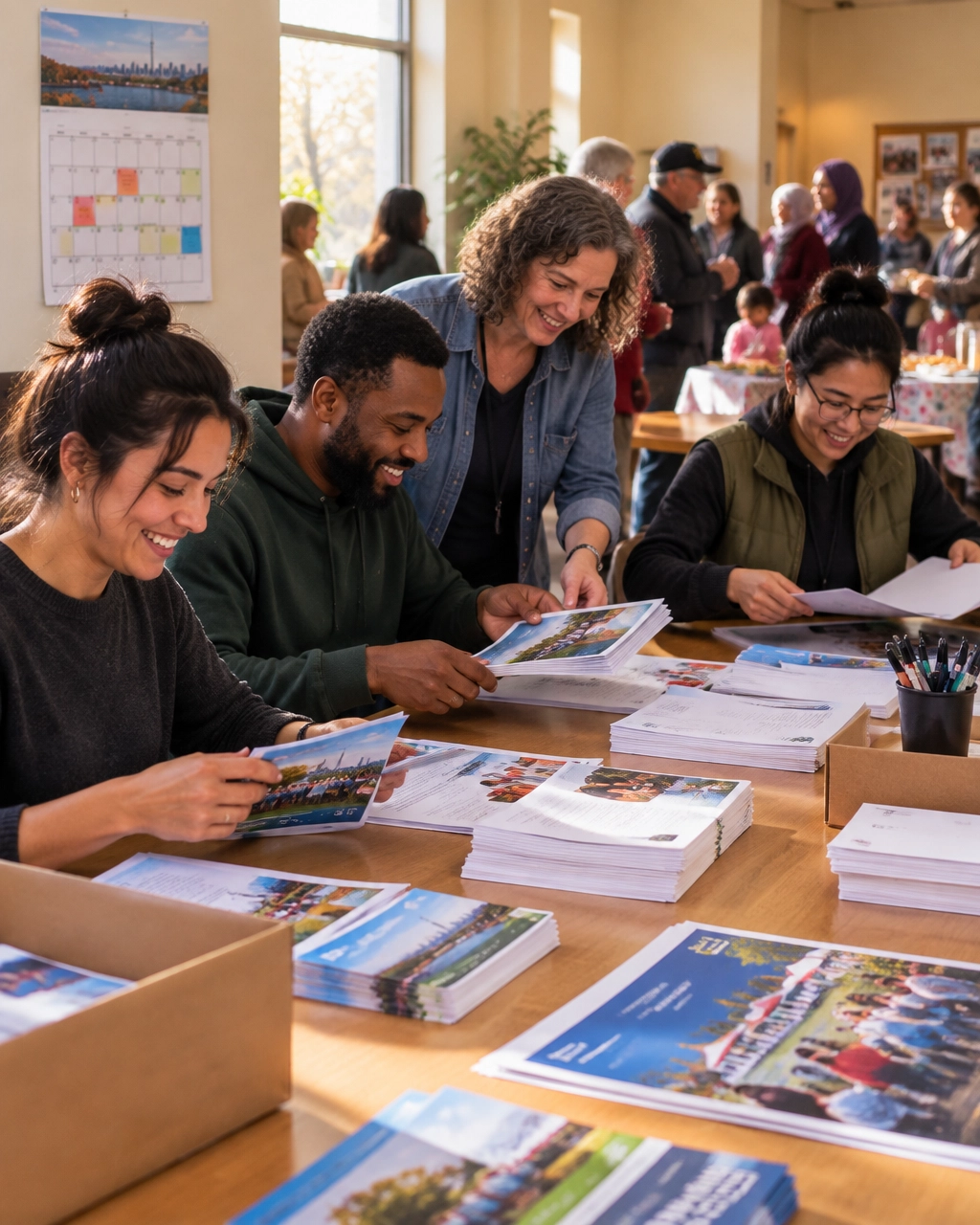
What does a reusable donation page look like?
A reusable donation page should give every campaign a clear, trustworthy structure:
- A specific headline that explains the need
- A real image showing the people or community affected
- One primary donation CTA
- A clear explanation of what gifts support
- Short impact examples, such as what $25, $50, or $100 can help provide
- Trust signals, including registration details, financial information, and privacy reassurance
- A secure donation form
- FAQs that answer common donor concerns
The content changes. The conversion architecture stays consistent.
That consistency makes your campaigns easier to manage and easier for donors to understand.
Webflow CMS turns campaign creation into content entry
Webflow CMS is especially useful when your nonprofit regularly publishes campaigns, impact stories, events, or program updates.
You can create collections such as:
- Campaigns
- Impact stories
- Programs
- Events
- FAQs
- News and resources
Each campaign can include fields for:
- Campaign name
- Goal
- Deadline
- Hero image
- Short description
- Donation link
- Impact statistics
- Featured story
- Related program
- Status: active, completed, or archived
Once the template is built, your team can create a new campaign page by adding a CMS item instead of commissioning a new design.
That is the difference between a website that requires constant production work and one that gives your team leverage.
It also makes scaling easier. If your organization expands from three campaigns a year to twelve, your website architecture does not need to be rebuilt each time.
Webflow’s community and nonprofit template library can also help teams explore starting points. But templates should be adapted to your mission, audience, and donation journey, not used as a substitute for strategy.
The Webflow nonprofit discount can improve the economics
Webflow’s official nonprofit program has offered 50% off one eligible annual site plan for 12 months, including selected Basic, CMS, and Business plans. Eligibility, documentation, renewal terms, and plan coverage can change, so confirm the current requirements directly through Webflow’s nonprofit discount information.
For many organizations, the CMS plan is the practical choice because it supports dynamic campaign content, stories, FAQs, and resources.
The discount does not eliminate all costs. You may still need:
- Donation software
- CRM integrations
- Email marketing tools
- Translation support
- Accessibility testing
- Professional copywriting and design
- Ongoing content management
Webflow also does not act as a native donation processor. Your donation form may need to be integrated with a platform such as Donorbox or Givebutter, depending on your operational needs.
The important point is this: the platform cost is only one part of the business case. The bigger value comes from launching campaigns faster, updating content without developer bottlenecks, and reducing repeated design work.
AEO helps donors and AI tools find the right answer
AEO, Answer Engine Optimization, is the practice of structuring content so search engines and AI assistants can understand, extract, and present useful answers.
For nonprofits, this matters because people increasingly search in natural language:
- “Which charities help newcomers in Montreal?”
- “How can I support food security in Toronto?”
- “Are donations to Canadian charities tax-deductible?”
- “What does this nonprofit do in Ottawa?”
- “Where can I volunteer for environmental restoration in Vancouver?”
Your website needs to answer these questions clearly.
How should a nonprofit structure content for AEO?
Start with question-based headings.
Then answer each question directly in one or two sentences before expanding with supporting detail.
For example:
How does monthly giving help our organization?
Monthly giving provides predictable revenue that helps us plan programs, retain staff, and support community members throughout the year. Even a small recurring gift can create more stability than a one-time donation.
That answer-first format is easy for people to scan and easier for answer engines to interpret.
Your AEO system should include:
- Natural-language question headings
- Direct answers near the top of each section
- Short paragraphs
- Clearly labelled FAQs
- Specific Canadian terminology
- Updated program and impact information
- Internal links between campaigns, programs, and stories
- Standard schema markup, including
Article, FAQPage, Organization, and Event where appropriate
Google explains that structured data provides “explicit clues” about the meaning of a page. It also recommends JSON-LD as a practical implementation format.
Structured data does not guarantee visibility. It is not a shortcut. But it helps machines understand what your content represents.
AEO works best when it supports genuinely useful content, not when it tries to manipulate search results.
Four Canadian markets. Four digital priorities.
A scalable system should still feel local. Here is how the same conversion-focused framework may need to adapt across Canada’s major nonprofit markets.
Montreal: make bilingual giving genuinely equal
For Montreal organizations, French and English parity should extend beyond the homepage.
Your donation flow should make it easy to:
- Read the campaign story in either language
- Switch languages without losing progress
- Understand tax receipt information
- Complete the donation form in the preferred language
- Receive confirmation and stewardship messages consistently
A translated navigation menu is not enough. Language parity needs to continue through the moment of donation.
Toronto: support major gifts and corporate partnerships
Toronto’s nonprofit landscape is crowded and sophisticated. Many organizations compete for major gifts, corporate partnerships, and foundation attention.
Your website should make it easy for larger supporters to find:
- Partnership opportunities
- Sponsorship packages
- Board and leadership information
- Financial accountability
- Measurable outcomes
- Contact pathways for development staff
A donation page designed only for small gifts may underserve your highest-value relationships.
Ottawa: clarify national versus local impact
Ottawa nonprofits often speak to government-adjacent funders, national networks, policy audiences, and local communities at the same time.
That can create a messaging problem.
Your website should quickly answer:
- Where do you work?
- Who benefits?
- Is your impact local, national, or both?
- What role do policy, research, or public partnerships play?
- What can a local donor do today?
Clear program and geography pages are valuable for both AEO and human readers.
Vancouver: prove local specificity
Vancouver has a strong environmental, social justice, housing, and community action ecosystem. Donors often want to know whether an organization understands the local context.
Use specific details:
- Neighbourhoods served
- Local partnerships
- Regional ecosystems
- Community-led programs
- Indigenous relationships and accountability
- Local outcomes
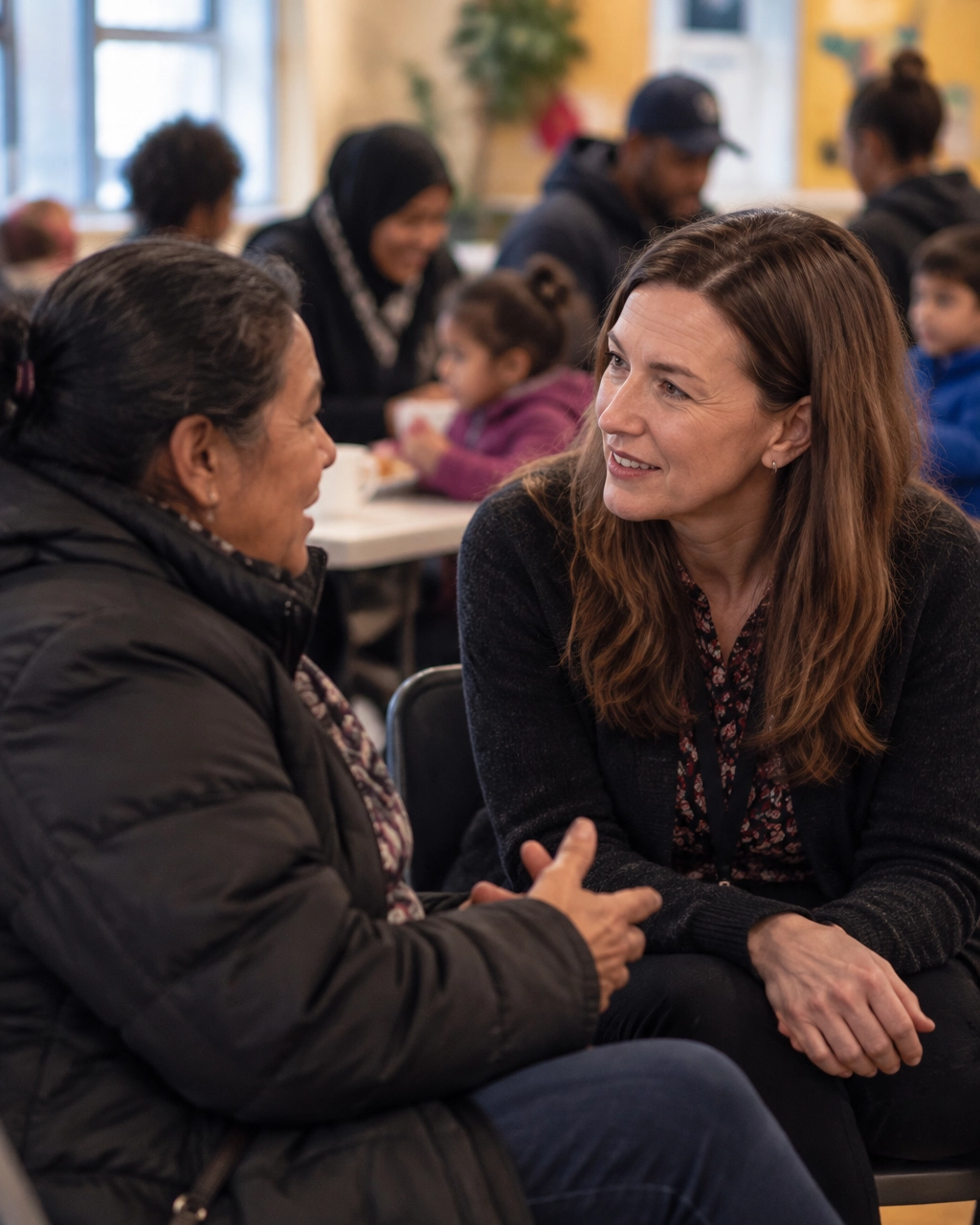
Local specificity creates trust. “We support communities across Canada” is less compelling than a clear explanation of what is happening in the Downtown Eastside, Surrey, Burnaby, or the Fraser Valley, when those places are genuinely part of your work.
A practical launch model
A high-velocity nonprofit website project can follow this sequence:
- Define your conversion goals. Donations, volunteers, applicants, partners, or all four.
- Create the content model. Campaigns, stories, programs, FAQs, and events.
- Build the reusable components. Donation blocks, CTAs, trust sections, and language controls.
- Create the CMS templates. Make campaign creation a content task, not a design task.
- Integrate donation tools. Test one-time, recurring, mobile, confirmation, and receipt flows.
- Write AEO content. Use real questions from donors, volunteers, staff, and funders.
- Add structured data. Validate it with Google’s Rich Results Test.
- Launch, measure, improve. Track donation starts, completions, recurring gifts, campaign traffic, and assisted conversions.
A strong nonprofit website is never finished. But it should become easier to improve every time you use it.
We have seen the value of mission-driven digital systems through projects such as N3O, a nonprofit platform helping charities manage donors, collect funds, and grow fundraising.
The takeaway: build once, move faster, create more impact
Your organization should not need a custom website project every time a new need emerges.
With Webflow’s reusable components and CMS, you can create a flexible foundation for donation pages, campaigns, stories, and FAQs. With AEO, you can structure that content so the right people, and increasingly, the right AI-driven answers, can find it.
Speed is not about cutting corners. It is about removing repeated work so your team can focus on the mission.
If you are an executive director, development director, or board member asking whether your website is ready for the next campaign, start with one question:
Can our team launch a clear, trustworthy, donation-focused page in days, not months?
If the answer is no, book a conversation with Arch Impact Studio. We will help you identify the bottlenecks, prioritize the highest-impact improvements, and design a scalable digital system your mission can grow into.
Conclusion
Your next fundraising campaign should not be held back by your website.
Yet that happens all the time. A campaign is approved, the creative is ready, and the email is scheduled. Then everyone waits for a page to be designed, developed, reviewed, translated, tested, and published.
By the time the donation page is live, the moment has passed.
Canadian nonprofits need websites that can move at the speed of their mission. That is where Webflow and Answer Engine Optimization (AEO) work especially well together.
Webflow gives your team a scalable system for launching donation pages, campaign stories, and program updates quickly. AEO helps people, and AI-driven search tools, find and understand those pages in the first place.
The result is simple: more visibility, less production friction, and more opportunities to turn attention into action.
TL;DR
- Webflow components let you build donation-focused layouts once and reuse them across campaigns.
- Webflow CMS makes campaign pages, impact stories, and FAQs easier to launch and maintain.
- A 50% nonprofit discount may be available on one eligible annual site plan, subject to Webflow’s current requirements.
- AEO uses question-based headings, direct answers, FAQ content, and structured data to improve visibility in AI-driven search.
- Canadian nonprofits should adapt their digital experience to local realities in Montreal, Toronto, Ottawa, and Vancouver.
- With the right architecture, a campaign page can launch in days instead of months.
Why campaign velocity matters for nonprofits
A nonprofit website is not a brochure. It is part of your fundraising infrastructure.
Your website may need to support:
- A year-end giving campaign
- A crisis response appeal
- Monthly donations
- Volunteer recruitment
- Corporate partnerships
- Grant and funder credibility
- Event registration
- Program applications
- Impact reporting
These needs change constantly. A static website forces your team to start from scratch every time.
That creates delays. It also creates inconsistency. One campaign has a strong story and clear donation flow. Another uses an outdated template, a buried call to action, or a form that does not work well on mobile.
The solution is not more pages. It is a better system for producing the right pages quickly.
Webflow’s biggest nonprofit advantage: reusable donation components
Webflow allows your design and development team to create reusable components that can appear across the site.
For a nonprofit, that might include:
- A persistent Donate button
- A campaign hero section
- A donation impact block
- A monthly giving prompt
- A donor trust section
- A testimonial or community voice block
- A campaign progress section
- A newsletter signup
- A volunteer CTA
- A bilingual language switcher
Build these once. Then reuse them wherever they make sense.
A new campaign page does not need a brand-new layout. Your team can choose the right components, add the campaign content, connect the donation form, and publish.
That is how you move from a six-week page production cycle to a repeatable launch process.
What does a reusable donation page look like?
A reusable donation page should give every campaign a clear, trustworthy structure:
- A specific headline that explains the need
- A real image showing the people or community affected
- One primary donation CTA
- A clear explanation of what gifts support
- Short impact examples, such as what $25, $50, or $100 can help provide
- Trust signals, including registration details, financial information, and privacy reassurance
- A secure donation form
- FAQs that answer common donor concerns
The content changes. The conversion architecture stays consistent.
That consistency makes your campaigns easier to manage and easier for donors to understand.
Webflow CMS turns campaign creation into content entry
Webflow CMS is especially useful when your nonprofit regularly publishes campaigns, impact stories, events, or program updates.
You can create collections such as:
- Campaigns
- Impact stories
- Programs
- Events
- FAQs
- News and resources
Each campaign can include fields for:
- Campaign name
- Goal
- Deadline
- Hero image
- Short description
- Donation link
- Impact statistics
- Featured story
- Related program
- Status: active, completed, or archived
Once the template is built, your team can create a new campaign page by adding a CMS item instead of commissioning a new design.
That is the difference between a website that requires constant production work and one that gives your team leverage.
It also makes scaling easier. If your organization expands from three campaigns a year to twelve, your website architecture does not need to be rebuilt each time.
Webflow’s community and nonprofit template library can also help teams explore starting points. But templates should be adapted to your mission, audience, and donation journey, not used as a substitute for strategy.
The Webflow nonprofit discount can improve the economics
Webflow’s official nonprofit program has offered 50% off one eligible annual site plan for 12 months, including selected Basic, CMS, and Business plans. Eligibility, documentation, renewal terms, and plan coverage can change, so confirm the current requirements directly through Webflow’s nonprofit discount information.
For many organizations, the CMS plan is the practical choice because it supports dynamic campaign content, stories, FAQs, and resources.
The discount does not eliminate all costs. You may still need:
- Donation software
- CRM integrations
- Email marketing tools
- Translation support
- Accessibility testing
- Professional copywriting and design
- Ongoing content management
Webflow also does not act as a native donation processor. Your donation form may need to be integrated with a platform such as Donorbox or Givebutter, depending on your operational needs.
The important point is this: the platform cost is only one part of the business case. The bigger value comes from launching campaigns faster, updating content without developer bottlenecks, and reducing repeated design work.
AEO helps donors and AI tools find the right answer
AEO, Answer Engine Optimization, is the practice of structuring content so search engines and AI assistants can understand, extract, and present useful answers.
For nonprofits, this matters because people increasingly search in natural language:
- “Which charities help newcomers in Montreal?”
- “How can I support food security in Toronto?”
- “Are donations to Canadian charities tax-deductible?”
- “What does this nonprofit do in Ottawa?”
- “Where can I volunteer for environmental restoration in Vancouver?”
Your website needs to answer these questions clearly.
How should a nonprofit structure content for AEO?
Start with question-based headings.
Then answer each question directly in one or two sentences before expanding with supporting detail.
For example:
How does monthly giving help our organization?
Monthly giving provides predictable revenue that helps us plan programs, retain staff, and support community members throughout the year. Even a small recurring gift can create more stability than a one-time donation.
That answer-first format is easy for people to scan and easier for answer engines to interpret.
Your AEO system should include:
- Natural-language question headings
- Direct answers near the top of each section
- Short paragraphs
- Clearly labelled FAQs
- Specific Canadian terminology
- Updated program and impact information
- Internal links between campaigns, programs, and stories
- Standard schema markup, including
Article, FAQPage, Organization, and Event where appropriate
Google explains that structured data provides “explicit clues” about the meaning of a page. It also recommends JSON-LD as a practical implementation format.
Structured data does not guarantee visibility. It is not a shortcut. But it helps machines understand what your content represents.
AEO works best when it supports genuinely useful content, not when it tries to manipulate search results.
Four Canadian markets. Four digital priorities.
A scalable system should still feel local. Here is how the same conversion-focused framework may need to adapt across Canada’s major nonprofit markets.
Montreal: make bilingual giving genuinely equal
For Montreal organizations, French and English parity should extend beyond the homepage.
Your donation flow should make it easy to:
- Read the campaign story in either language
- Switch languages without losing progress
- Understand tax receipt information
- Complete the donation form in the preferred language
- Receive confirmation and stewardship messages consistently
A translated navigation menu is not enough. Language parity needs to continue through the moment of donation.
Toronto: support major gifts and corporate partnerships
Toronto’s nonprofit landscape is crowded and sophisticated. Many organizations compete for major gifts, corporate partnerships, and foundation attention.
Your website should make it easy for larger supporters to find:
- Partnership opportunities
- Sponsorship packages
- Board and leadership information
- Financial accountability
- Measurable outcomes
- Contact pathways for development staff
A donation page designed only for small gifts may underserve your highest-value relationships.
Ottawa: clarify national versus local impact
Ottawa nonprofits often speak to government-adjacent funders, national networks, policy audiences, and local communities at the same time.
That can create a messaging problem.
Your website should quickly answer:
- Where do you work?
- Who benefits?
- Is your impact local, national, or both?
- What role do policy, research, or public partnerships play?
- What can a local donor do today?
Clear program and geography pages are valuable for both AEO and human readers.
Vancouver: prove local specificity
Vancouver has a strong environmental, social justice, housing, and community action ecosystem. Donors often want to know whether an organization understands the local context.
Use specific details:
- Neighbourhoods served
- Local partnerships
- Regional ecosystems
- Community-led programs
- Indigenous relationships and accountability
- Local outcomes
Local specificity creates trust. “We support communities across Canada” is less compelling than a clear explanation of what is happening in the Downtown Eastside, Surrey, Burnaby, or the Fraser Valley, when those places are genuinely part of your work.
A practical launch model
A high-velocity nonprofit website project can follow this sequence:
- Define your conversion goals. Donations, volunteers, applicants, partners, or all four.
- Create the content model. Campaigns, stories, programs, FAQs, and events.
- Build the reusable components. Donation blocks, CTAs, trust sections, and language controls.
- Create the CMS templates. Make campaign creation a content task, not a design task.
- Integrate donation tools. Test one-time, recurring, mobile, confirmation, and receipt flows.
- Write AEO content. Use real questions from donors, volunteers, staff, and funders.
- Add structured data. Validate it with Google’s Rich Results Test.
- Launch, measure, improve. Track donation starts, completions, recurring gifts, campaign traffic, and assisted conversions.
A strong nonprofit website is never finished. But it should become easier to improve every time you use it.
We have seen the value of mission-driven digital systems through projects such as N3O, a nonprofit platform helping charities manage donors, collect funds, and grow fundraising.
The takeaway: build once, move faster, create more impact
Your organization should not need a custom website project every time a new need emerges.
With Webflow’s reusable components and CMS, you can create a flexible foundation for donation pages, campaigns, stories, and FAQs. With AEO, you can structure that content so the right people, and increasingly, the right AI-driven answers, can find it.
Speed is not about cutting corners. It is about removing repeated work so your team can focus on the mission.
If you are an executive director, development director, or board member asking whether your website is ready for the next campaign, start with one question:
Can our team launch a clear, trustworthy, donation-focused page in days, not months?
If the answer is no, book a conversation with Arch Impact Studio. We will help you identify the bottlenecks, prioritize the highest-impact improvements, and design a scalable digital system your mission can grow into.